 Daily games at funLibreng Chrome extension
Quote ng Araw – Bagong Tab
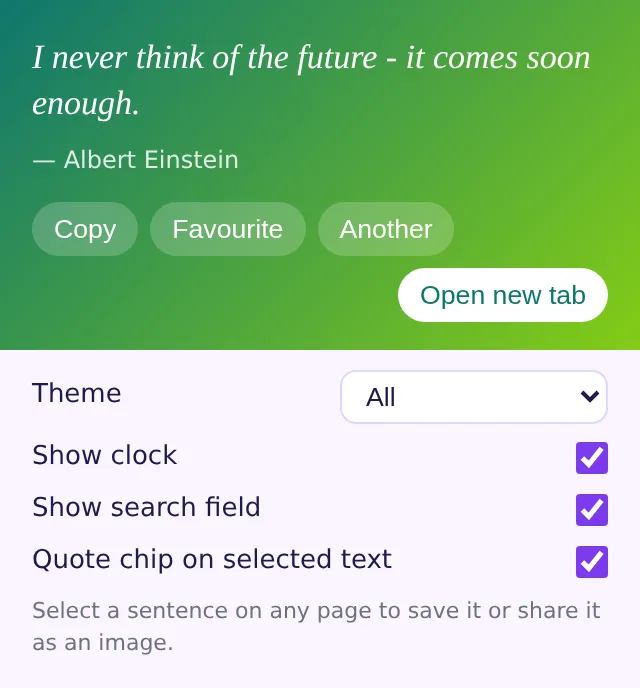
One good quote a day, on every new tab — the same for everyone, on a colour that changes with the date.
Themes (life, love, work, wisdom…), favourites, copy, share as an image. All local, no account.
I-add sa Chrome — libre itoOfficial site →
- Libreng subukan
- Walang account
- Gumagana locally
- 52+ mga wika
Gumagana sa Chrome, Edge, Brave at Opera
Ano'ng makukuha mo
Themes (life, love, work, wisdom…), favourites, copy, share as an image. All local, no account.
- A fresh quote each day with its author; pick themes that fit your mood.
- Save favourites and come back to them.
- Copy the text or share it as a clean image.
- No tracking, no server — your new tab stays fast.
Paano gamitin ang Quote ng Araw – Bagong Tab
- Install — the next new tab shows today's quote.
- Pick a theme or two in the settings.
- Star the ones you want to keep.
Kung kailan ito magagamit
- A calmer start to the workday.
- Collecting quotes for a speech, a card or a journal.
- Sharing a daily thought with friends as an image.
Gumagana sa kahit anong page, nang hindi kini-click
Select a sentence on any site → a small chip offers Save quote (lands in favourites with the page title as source) and Share as image.
Free at Pro
Bawat extension may free tier na gumagawa ng trabaho. Walang trial clock, walang card.
$5.49/buwan$35.79/taon$49.99 minsan, panghabambuhay
I-cancel kahit kailan. Naka-USD ang presyo; local currencies sa checkout.
Mga Tanong
Can I keep my regular new tab?
The quote replaces the new tab page; disable the extension any time to go back.
Does it slow down opening tabs?
No — the page is local and tiny; nothing is fetched.
Libre ba ang Quote ng Araw – Bagong Tab?
Oo — sakop ng free tier ang 3 files kada installation sa bawat feature. Kung kailangan mo ng higit pa, tatanggalin ng Pro ang limit; gumagana ang isang Pro sa lahat ng extensions namin.
Ano ang Pro?
Isang optional na subscription ($5.49/buwan, $35.79/taon o $49.99 minsan) na nagtatanggal ng free limits sa bawat extension ng collection. Makikita mo lang ito kapag umabot ka sa limit.
Kinokolekta ba o ipinapadala ang data ko?
Gumagana ito sa loob ng pages na binubuksan mo, sa browser mo; walang account at walang analytics. Ang permissions sa itaas ang buong listahan.
Gumagana ba ito sa Edge, Brave, Opera?
Oo, kahit anong Chromium browser ay pwedeng mag-install ng extensions mula sa Chrome Web Store.
Iba pa sa Daily games at fun
 Available ang Pro
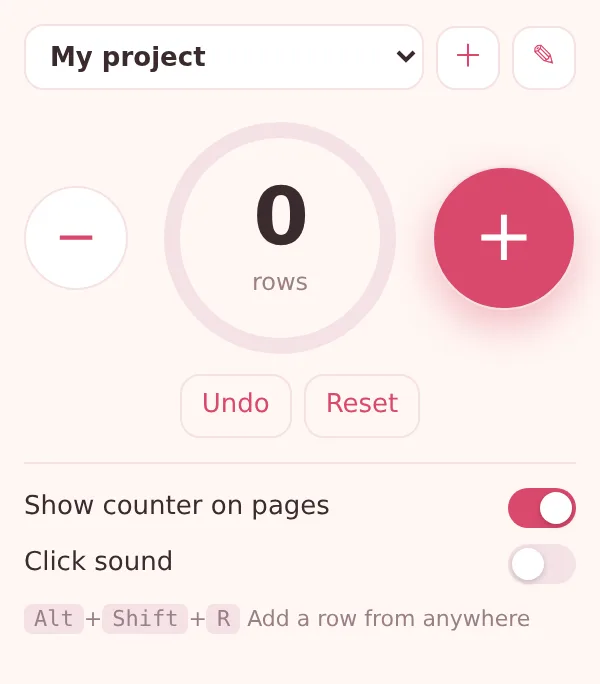
 Row Counter para sa Knitting at CrochetRow counter para sa knitting at crochet: mga proyekto, target na row, pattern repeat at floating counter sa bawat pattern page.
 Available ang Pro
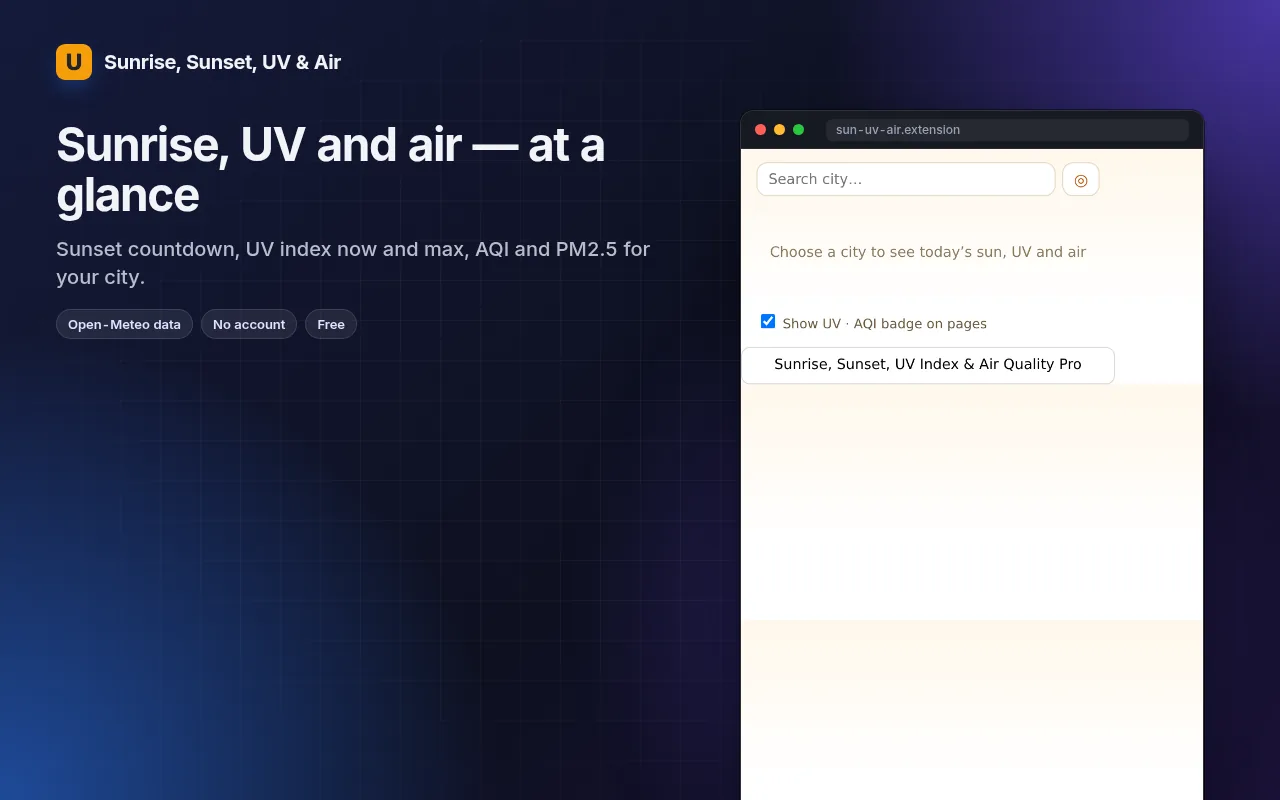
 Pagsikat, Paglubog ng Araw, UV Index at Kalidad ng HanginPagsikat at paglubog ng araw, UV index, kalidad ng hangin at pollen ng lungsod mo — sa popup at maliit na badge sa bawat pahina.
Technical details at permissions
Hinihingi lang ng extension kung ano ang kailangan ng feature:
| Permission | Bakit |
|---|---|
storage | Tandaan ang settings mo locally. |
identity | |
Site access | Kailangan ng extension ng access sa pages para gumana (tingnan ang table); hindi nito ipinapadala ang content ng page kahit saan. |