 Tabs at productivityLibreng Chrome extension
Tagapagpalit ng Unit ng Sukat
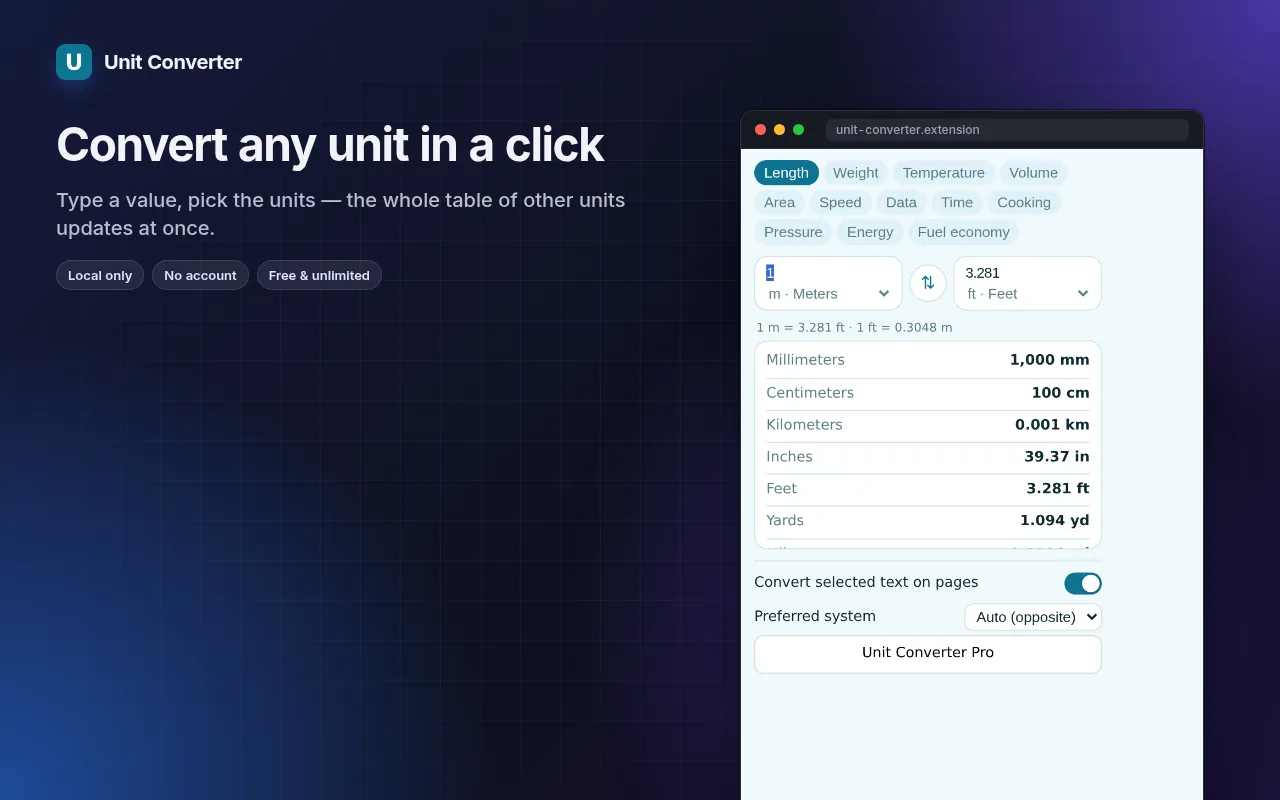
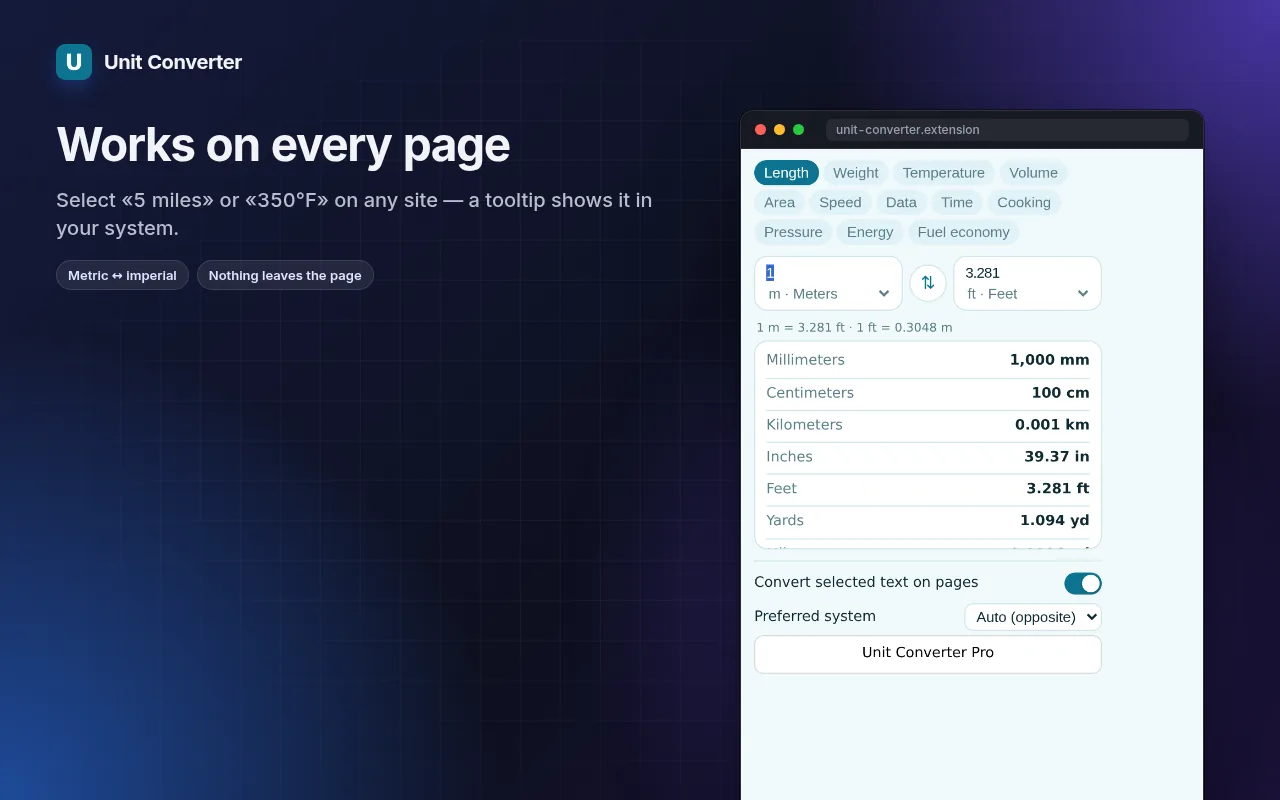
Convert units where you read them — select “5 miles” or “350°F” on any page and see the answer instantly.
12 categories in the popup, instant two-way conversion, formulas and full tables. No ads, no third-party site.
I-add sa Chrome — libre itoTingnan kung paano ito gumaganaOfficial site →
- Libreng subukan
- Walang account
- Gumagana locally
- 52+ mga wika
Gumagana sa Chrome, Edge, Brave at Opera
Screenshots 5
Ano'ng makukuha mo
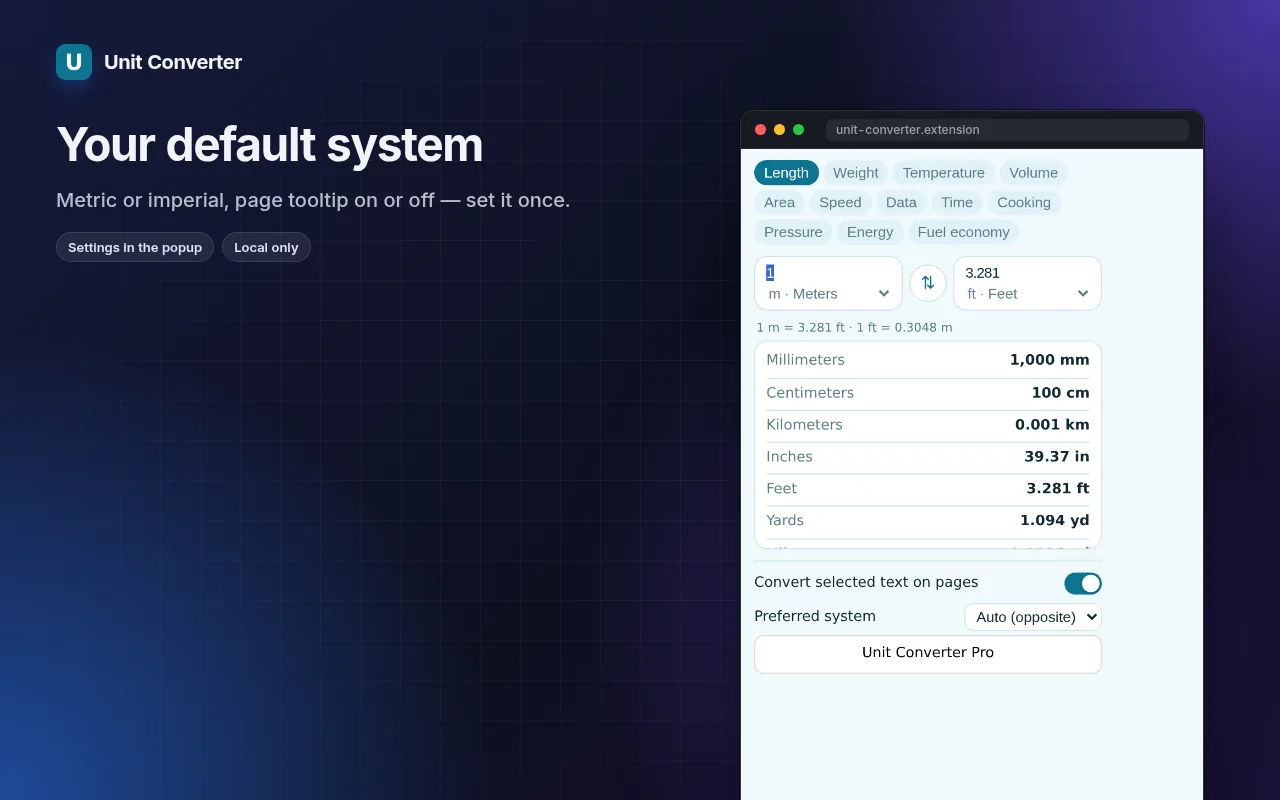
12 categories in the popup, instant two-way conversion, formulas and full tables. No ads, no third-party site.
- Select a measurement on any page — a small tooltip shows the conversion.
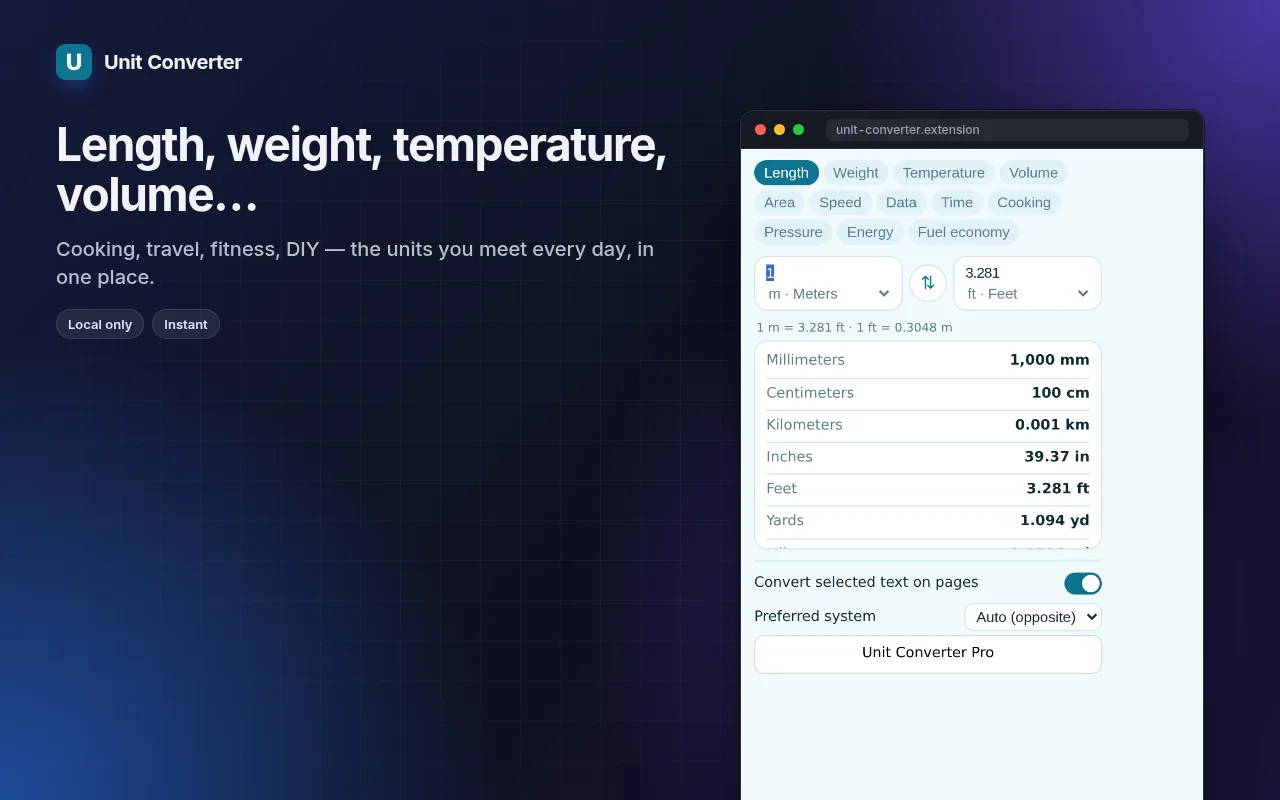
- Length, weight, temperature, volume, area, speed, data, time, cooking, pressure, energy, fuel economy.
- Type on either side; swap; see the formula and every unit in the category.
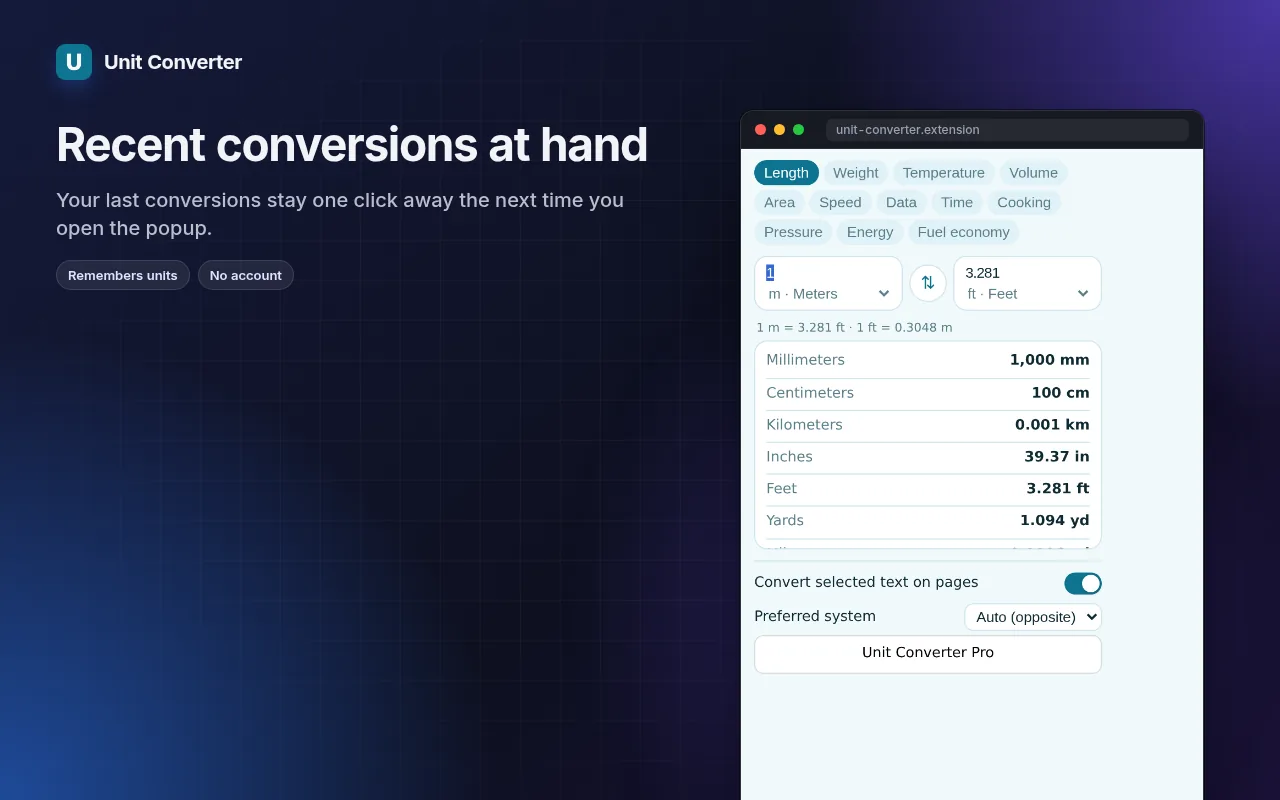
- Recent conversions kept locally; works offline.
Paano gamitin ang Tagapagpalit ng Unit ng Sukat
- Install — select “2 lbs”, “6 ft 2 in” or “1/2 cup” on any page to see it converted.
- For anything else, click the icon and type a value.
- Click a row in the table to make that unit the target.
Kung kailan ito magagamit
- Recipes from American sites — cups, ounces and Fahrenheit.
- Shopping abroad: inches, pounds, miles per gallon.
- Checking data sizes, speeds and pressures in technical articles.
Free at Pro
Bawat extension may free tier na gumagawa ng trabaho. Walang trial clock, walang card.
$5.49/buwan$35.79/taon$49.99 minsan, panghabambuhay
I-cancel kahit kailan. Naka-USD ang presyo; local currencies sa checkout.
Mga Tanong
Does it understand mixed values?
Yes — “6 ft 2 in”, “1/2 cup” and “1,5 kg” (comma decimal) are all recognised.
Can I change the target unit?
Yes: pick your preferred targets in the options, e.g. always metric or always imperial.
Libre ba ang Tagapagpalit ng Unit ng Sukat?
Oo — sakop ng free tier ang 3 files kada installation sa bawat feature. Kung kailangan mo ng higit pa, tatanggalin ng Pro ang limit; gumagana ang isang Pro sa lahat ng extensions namin.
Ano ang Pro?
Isang optional na subscription ($5.49/buwan, $35.79/taon o $49.99 minsan) na nagtatanggal ng free limits sa bawat extension ng collection. Makikita mo lang ito kapag umabot ka sa limit.
Kinokolekta ba o ipinapadala ang data ko?
Gumagana ito sa loob ng pages na binubuksan mo, sa browser mo; walang account at walang analytics. Ang permissions sa itaas ang buong listahan.
Gumagana ba ito sa Edge, Brave, Opera?
Oo, kahit anong Chromium browser ay pwedeng mag-install ng extensions mula sa Chrome Web Store.
Technical details at permissions
Hinihingi lang ng extension kung ano ang kailangan ng feature:
| Permission | Bakit |
|---|---|
storage | Tandaan ang settings mo locally. |
identity | |
Site access | Kailangan ng extension ng access sa pages para gumana (tingnan ang table); hindi nito ipinapadala ang content ng page kahit saan. |