 タブ・仕事効率化無料のChrome拡張機能
単位変換
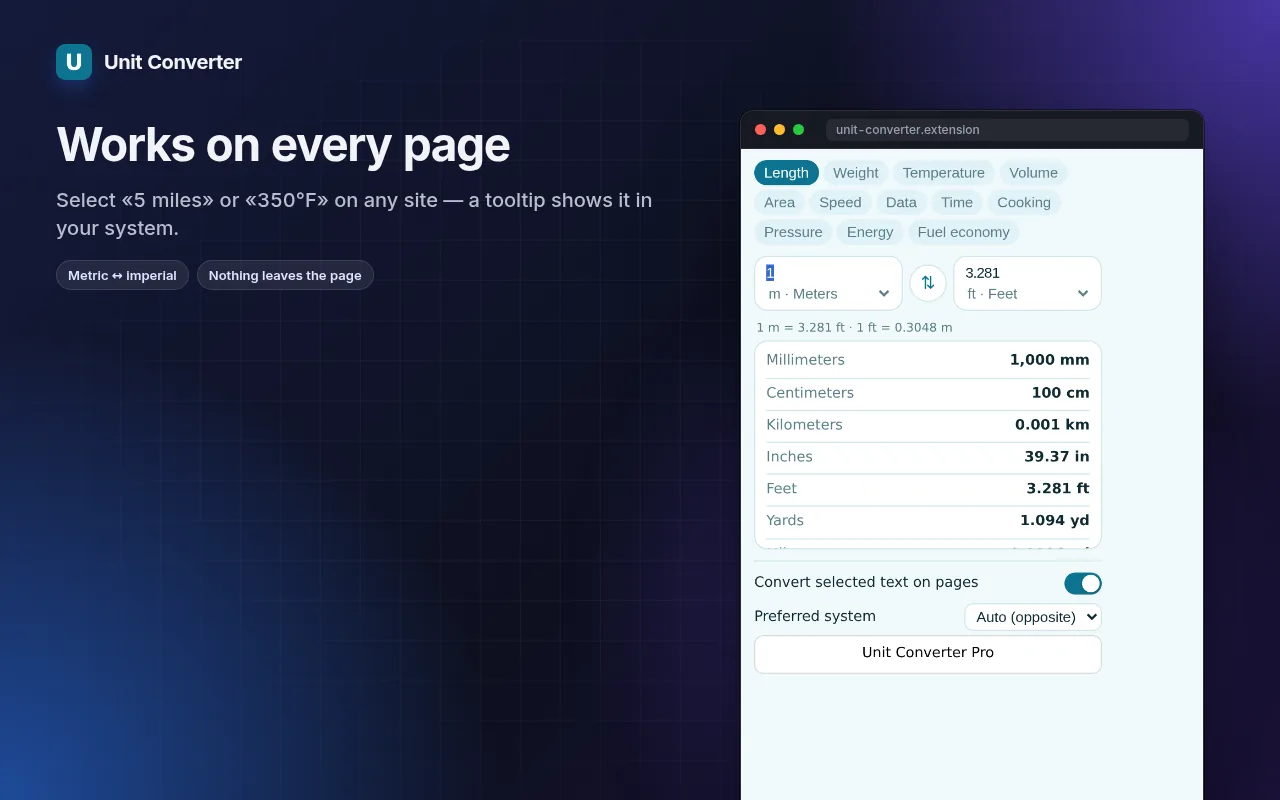
Convert units where you read them — select “5 miles” or “350°F” on any page and see the answer instantly.
12 categories in the popup, instant two-way conversion, formulas and full tables. No ads, no third-party site.
- 無料で使える
- アカウント不要
- ローカルで動作
- 52+ 言語
Chrome、Edge、Brave、Operaで動作します
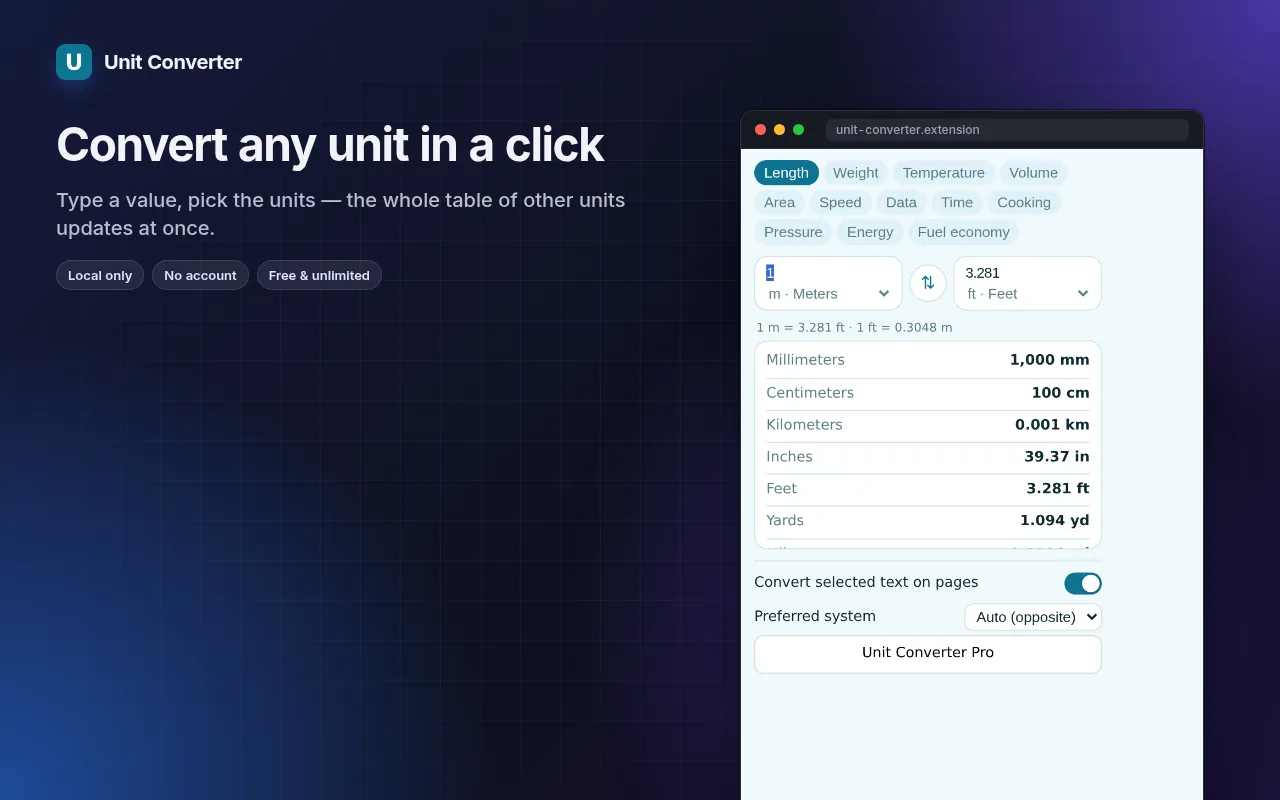
スクリーンショット 5
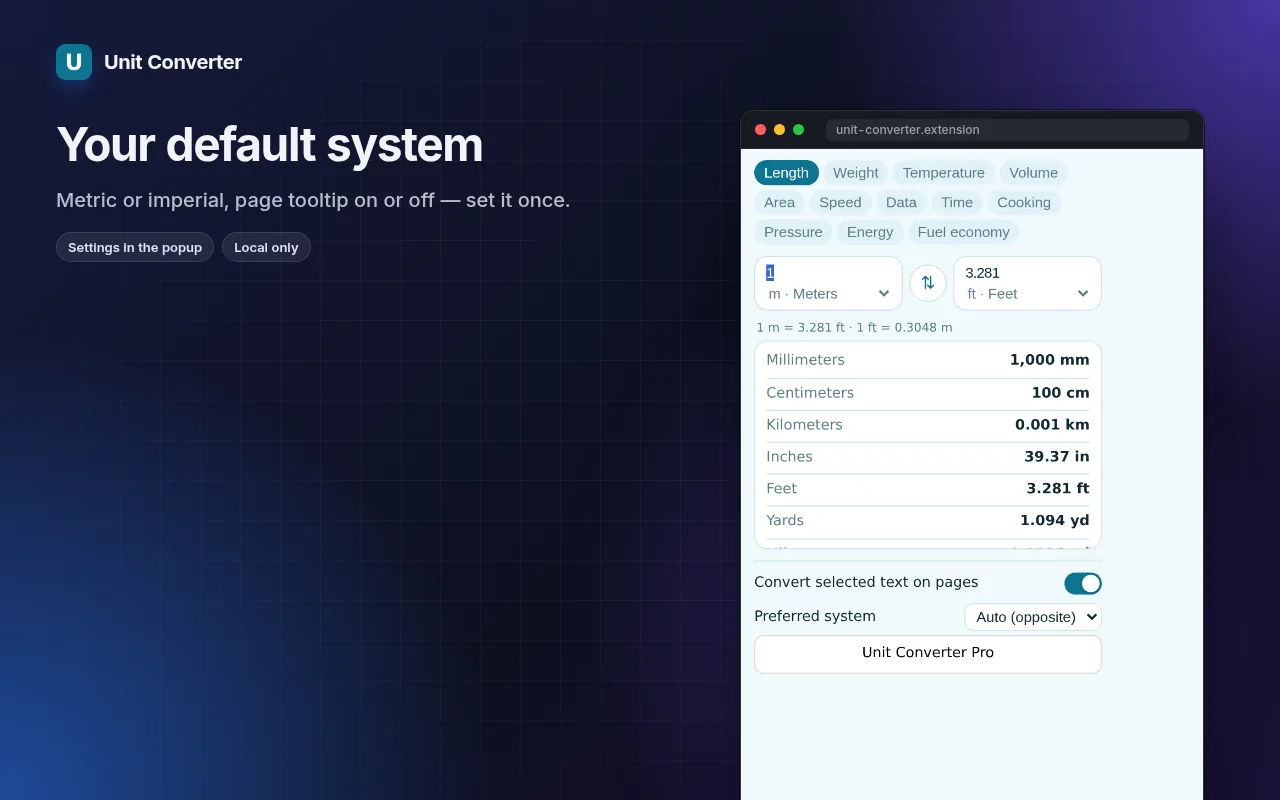
機能一覧
12 categories in the popup, instant two-way conversion, formulas and full tables. No ads, no third-party site.
- Select a measurement on any page — a small tooltip shows the conversion.
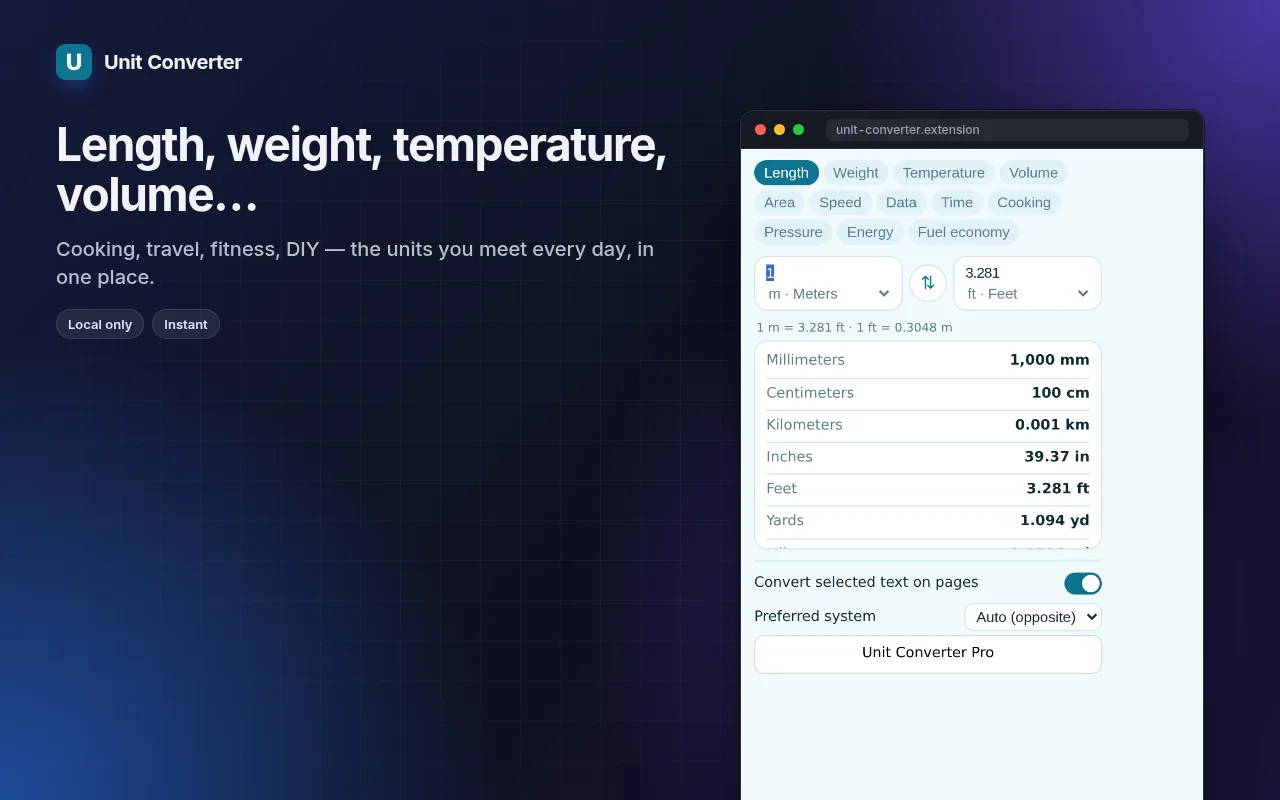
- Length, weight, temperature, volume, area, speed, data, time, cooking, pressure, energy, fuel economy.
- Type on either side; swap; see the formula and every unit in the category.
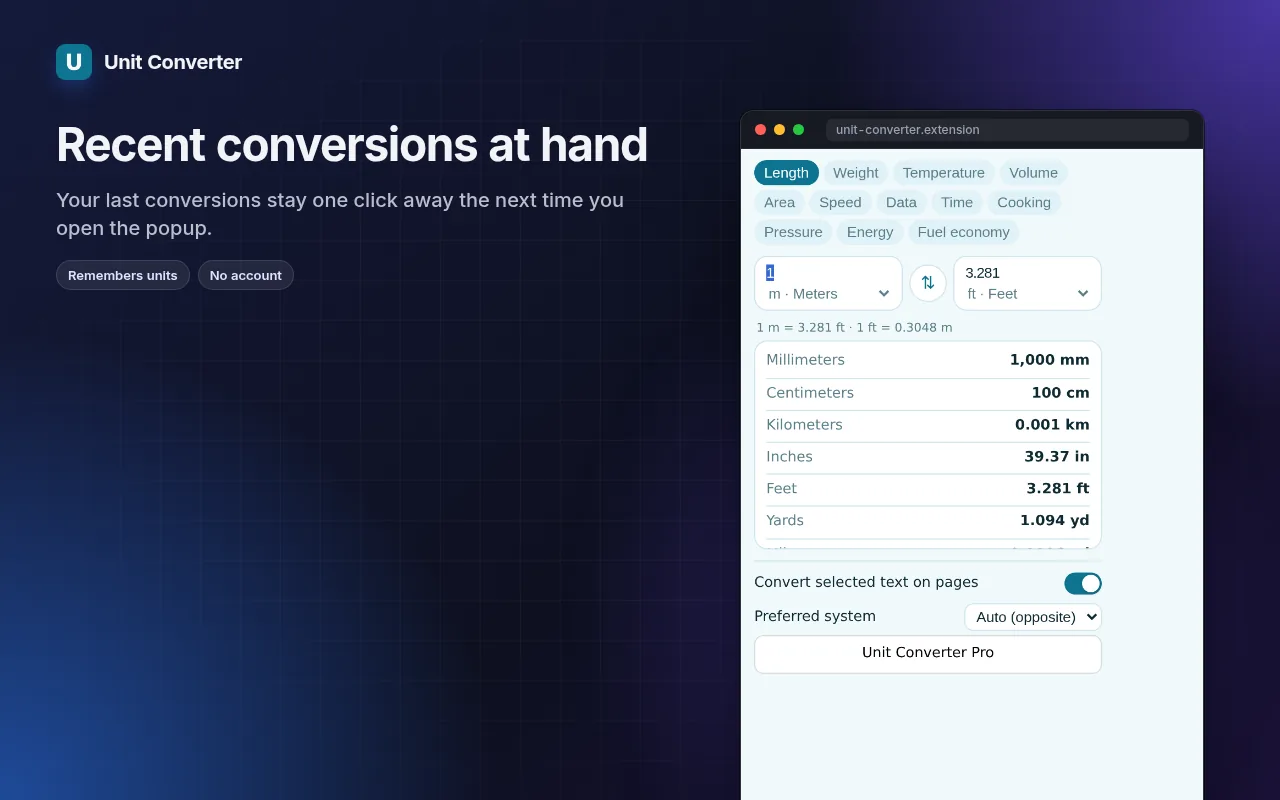
- Recent conversions kept locally; works offline.
単位変換 の使い方
- Install — select “2 lbs”, “6 ft 2 in” or “1/2 cup” on any page to see it converted.
- For anything else, click the icon and type a value.
- Click a row in the table to make that unit the target.
こんな時に便利
- Recipes from American sites — cups, ounces and Fahrenheit.
- Shopping abroad: inches, pounds, miles per gallon.
- Checking data sizes, speeds and pressures in technical articles.
無料版とPro版
すべての拡張機能に実用的な無料プランがあります。試用期間の制限やクレジットカード登録はありません。
月額 $5.49年額 $35.79買い切り $49.99
いつでもキャンセル可能。価格は米ドルで表示されていますが、決済時には現地通貨が適用されます。
よくある質問
Does it understand mixed values?
Yes — “6 ft 2 in”, “1/2 cup” and “1,5 kg” (comma decimal) are all recognised.
Can I change the target unit?
Yes: pick your preferred targets in the options, e.g. always metric or always imperial.
単位変換 は無料ですか?
はい。無料プランではすべての機能が使え、インストールごとに 3 ファイルまで処理できます。さらに必要な場合は、Pro版で制限を解除できます。1つのPro版ですべての拡張機能が使い放題になります。
Pro版とは何ですか?
コレクション内のすべての拡張機能の制限を解除する、オプションのサブスクリプション(月額$5.49、年額$35.79、または買い切り$49.99)です。制限に達したときにのみ案内が表示されます。
データは収集または送信されますか?
ブラウザで開いたページ内で動作します。アカウント登録やアクセス解析はありません。上記の権限がすべてです。
Edge、Brave、Operaでも使えますか?
はい。Chromiumベースのブラウザであれば、Chromeウェブストアから拡張機能をインストールできます。
技術的な詳細と権限
この拡張機能は、機能に必要な権限のみを要求します:
| 権限 | 理由 |
|---|---|
storage | 設定をローカルに保存します。 |
identity | |
Site access | 拡張機能が機能するためにはページへのアクセスが必要です(表を参照)。ページの内容を外部に送信することはありません。 |