 Video at audioLibreng Chrome extension
Noise — White Noise at mga Tunog sa Background
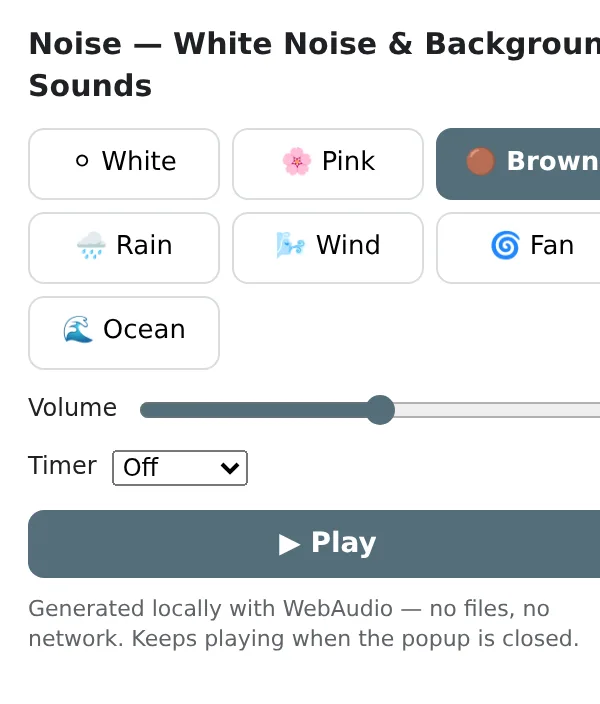
White, pink and brown noise, rain, wind, fan and ocean — for focus and sleep, with volume and a sleep timer.
Synthesised in your browser, so it keeps playing after you close the popup and needs no downloads.
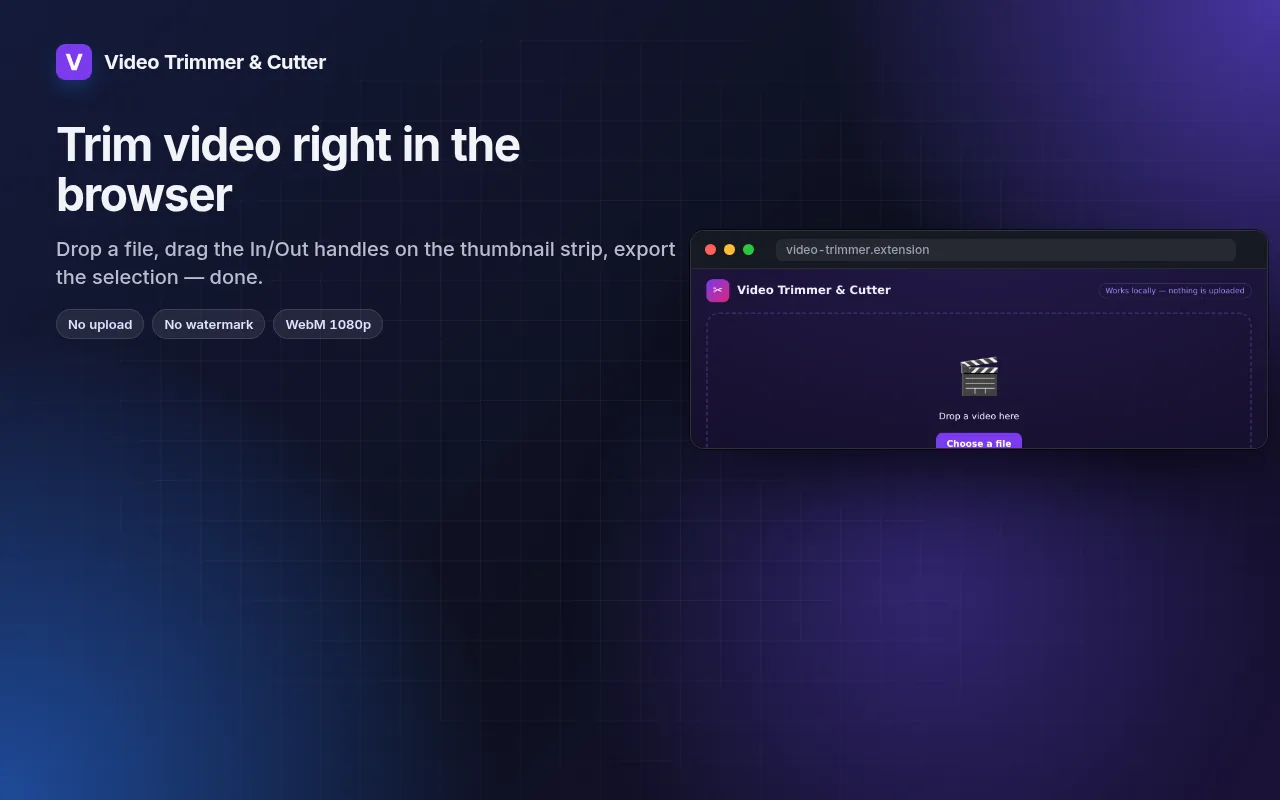
Malapit na sa Chrome Web Store Pansamantala, subukan ang Video Trimmer at CutterOfficial site →
I-bookmark ang page na ito — lalabas ang install button sa araw na ma-publish ito.
- Libreng subukan
- Walang account
- Gumagana locally
- 52+ mga wika
Gumagana sa Chrome, Edge, Brave at Opera
Ano'ng makukuha mo
Synthesised in your browser, so it keeps playing after you close the popup and needs no downloads.
- Seven sounds: white, pink, brown noise, rain, wind, fan, ocean.
- Volume and an optional sleep timer that fades out.
- Keeps playing in the background while you work or sleep.
- No files, no streaming, no account.
Paano gamitin ang Noise — White Noise at mga Tunog sa Background
- Click the icon and pick a sound.
- Set the volume and, at night, a timer.
- Close the popup — the sound keeps going.
Kung kailan ito magagamit
- Masking an open-plan office.
- Falling asleep in a noisy flat or hotel.
- Calming a baby or a restless pet.
Free at Pro
Bawat extension may free tier na gumagawa ng trabaho. Walang trial clock, walang card.
$5.49/buwan$35.79/taon$49.99 minsan, panghabambuhay
I-cancel kahit kailan. Naka-USD ang presyo; local currencies sa checkout.
Mga Tanong
Does it use the internet?
No — every sound is generated locally, so it works offline and never buffers.
Will it stop when I switch tabs?
No — it plays independently of tabs until you stop it or the timer ends.
Libre ba ang Noise — White Noise at mga Tunog sa Background?
Oo — sakop ng free tier ang 3 files kada installation sa bawat feature. Kung kailangan mo ng higit pa, tatanggalin ng Pro ang limit; gumagana ang isang Pro sa lahat ng extensions namin.
Ano ang Pro?
Isang optional na subscription ($5.49/buwan, $35.79/taon o $49.99 minsan) na nagtatanggal ng free limits sa bawat extension ng collection. Makikita mo lang ito kapag umabot ka sa limit.
Kinokolekta ba o ipinapadala ang data ko?
Gumagana ito sa loob ng pages na binubuksan mo, sa browser mo; walang account at walang analytics. Ang permissions sa itaas ang buong listahan.
Gumagana ba ito sa Edge, Brave, Opera?
Oo, kahit anong Chromium browser ay pwedeng mag-install ng extensions mula sa Chrome Web Store.
Iba pa sa Video at audio

Technical details at permissions
Hinihingi lang ng extension kung ano ang kailangan ng feature:
| Permission | Bakit |
|---|---|
storage | Tandaan ang settings mo locally. |
offscreen | I-process ang audio o images sa isang hidden page (requirement ng Manifest V3). |
alarms | Mga timer at schedule habang nakasara ang popup. |
identity | |
Site access | Kailangan ng extension ng access sa pages para gumana (tingnan ang table); hindi nito ipinapadala ang content ng page kahit saan. |