 Video at audioLibreng Chrome extension
Video Trimmer at Cutter
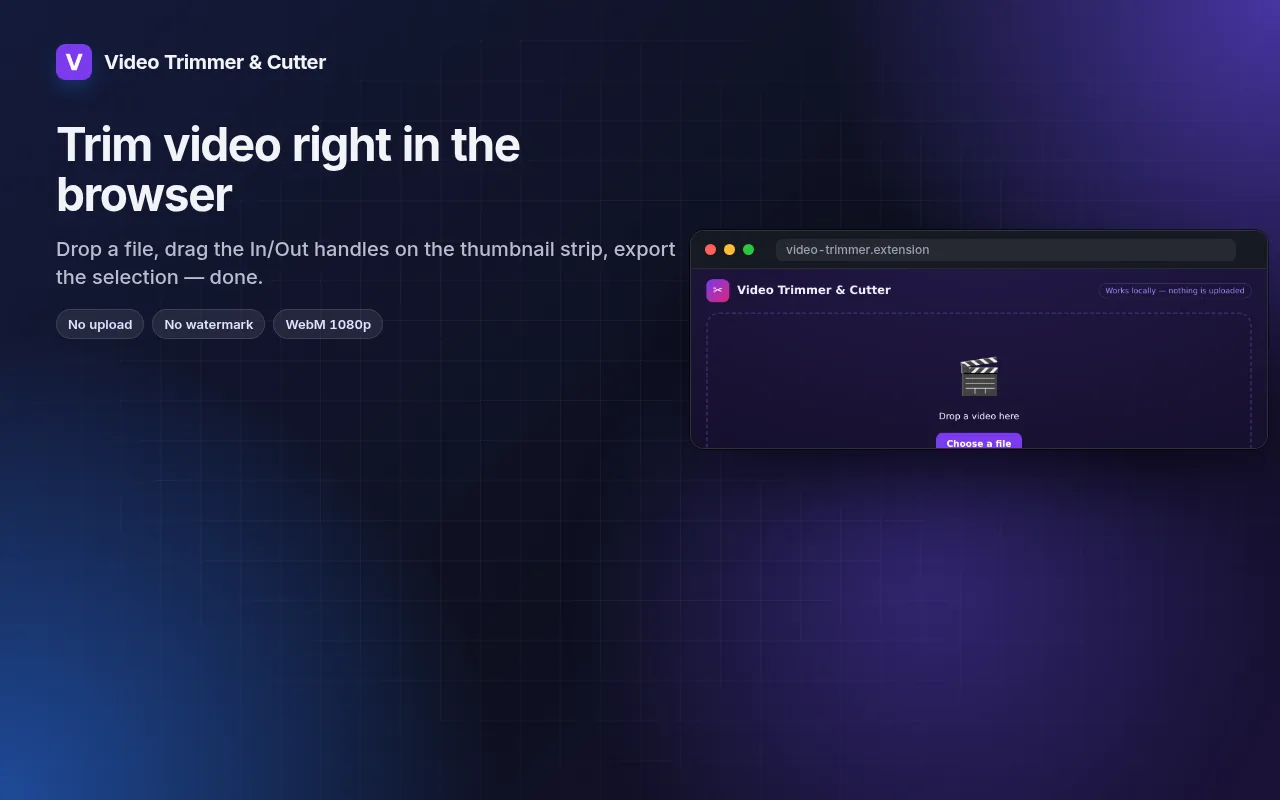
Cut the part you need out of any video — in the browser, no upload, no watermark.
Drag In/Out handles on a thumbnail strip, loop the selection, export WebM at 1080p/720p/480p.
I-add sa Chrome — libre itoTingnan kung paano ito gumaganaOfficial site →
- Libreng subukan
- Walang account
- Gumagana locally
- 52+ mga wika
Gumagana sa Chrome, Edge, Brave at Opera
Screenshots 5
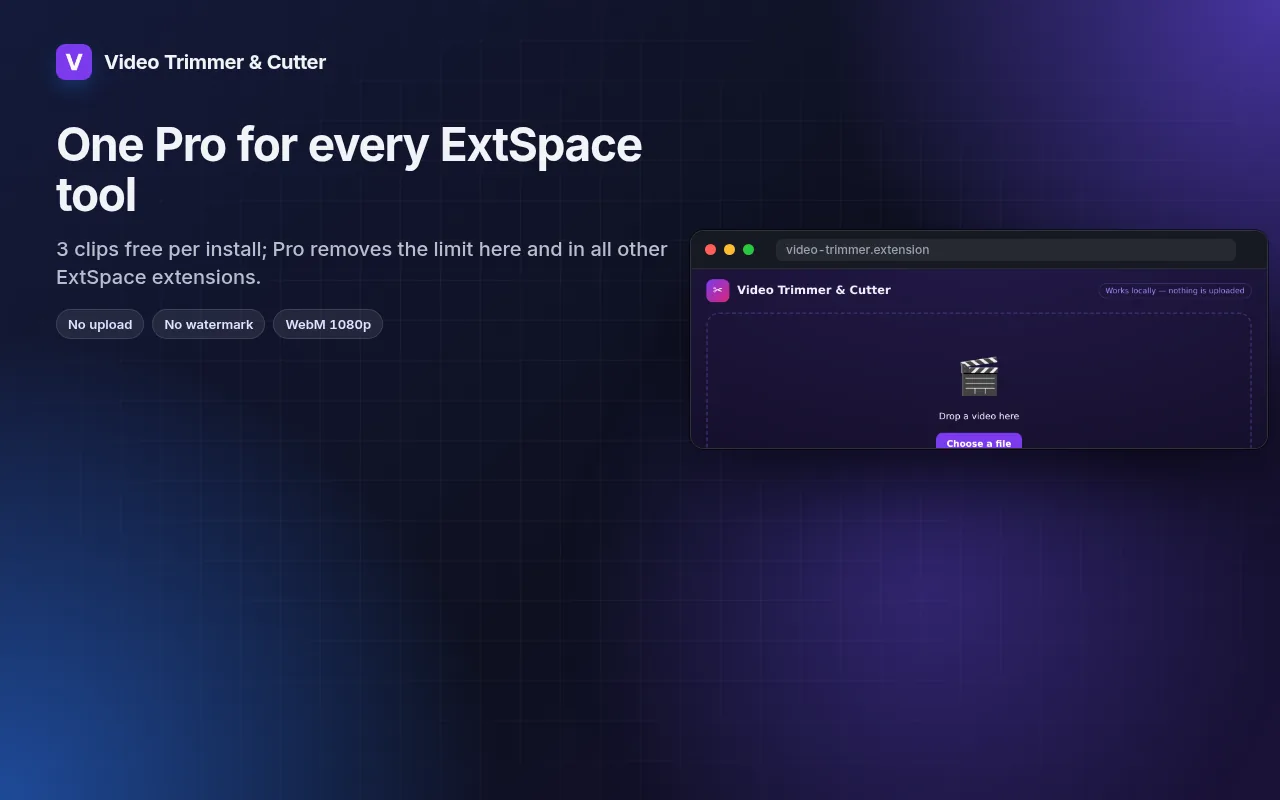
Ano'ng makukuha mo
Drag In/Out handles on a thumbnail strip, loop the selection, export WebM at 1080p/720p/480p.
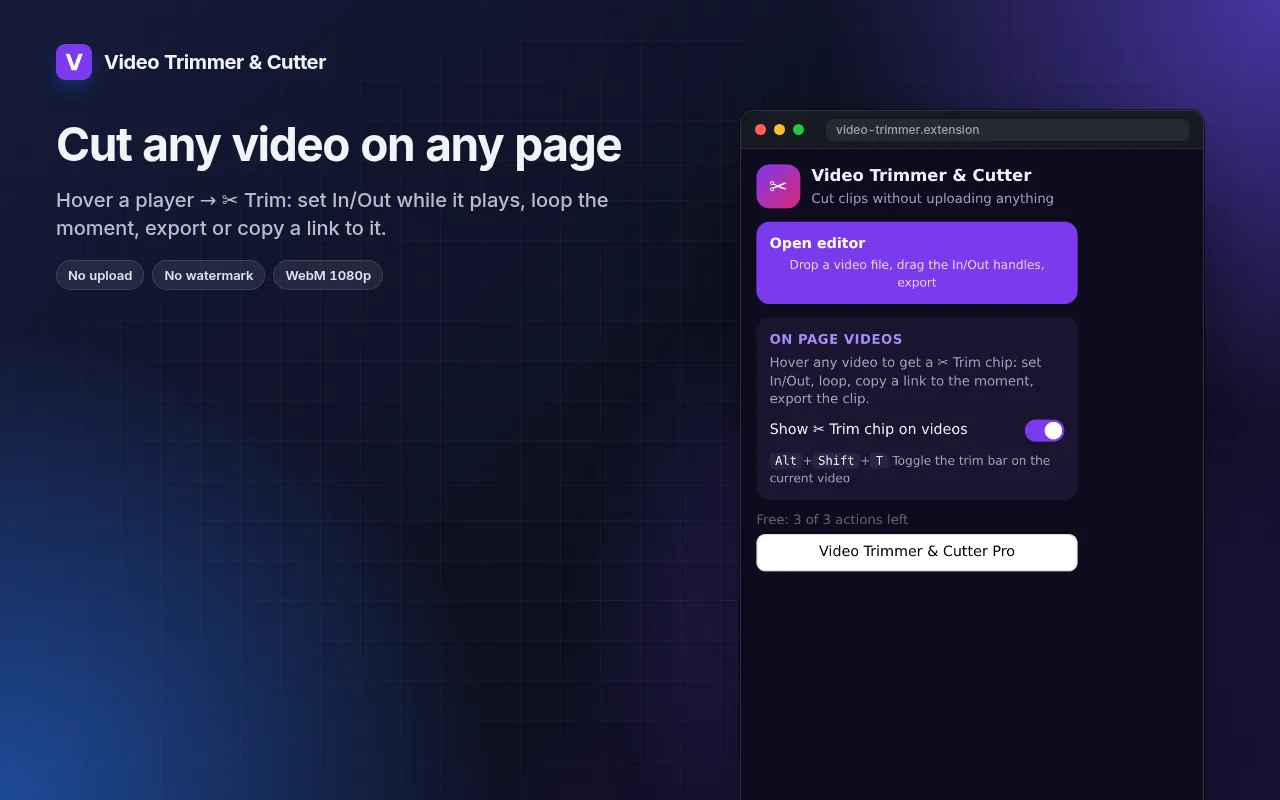
- Works with local files and with any video playing on a page (hover → ✂ Trim).
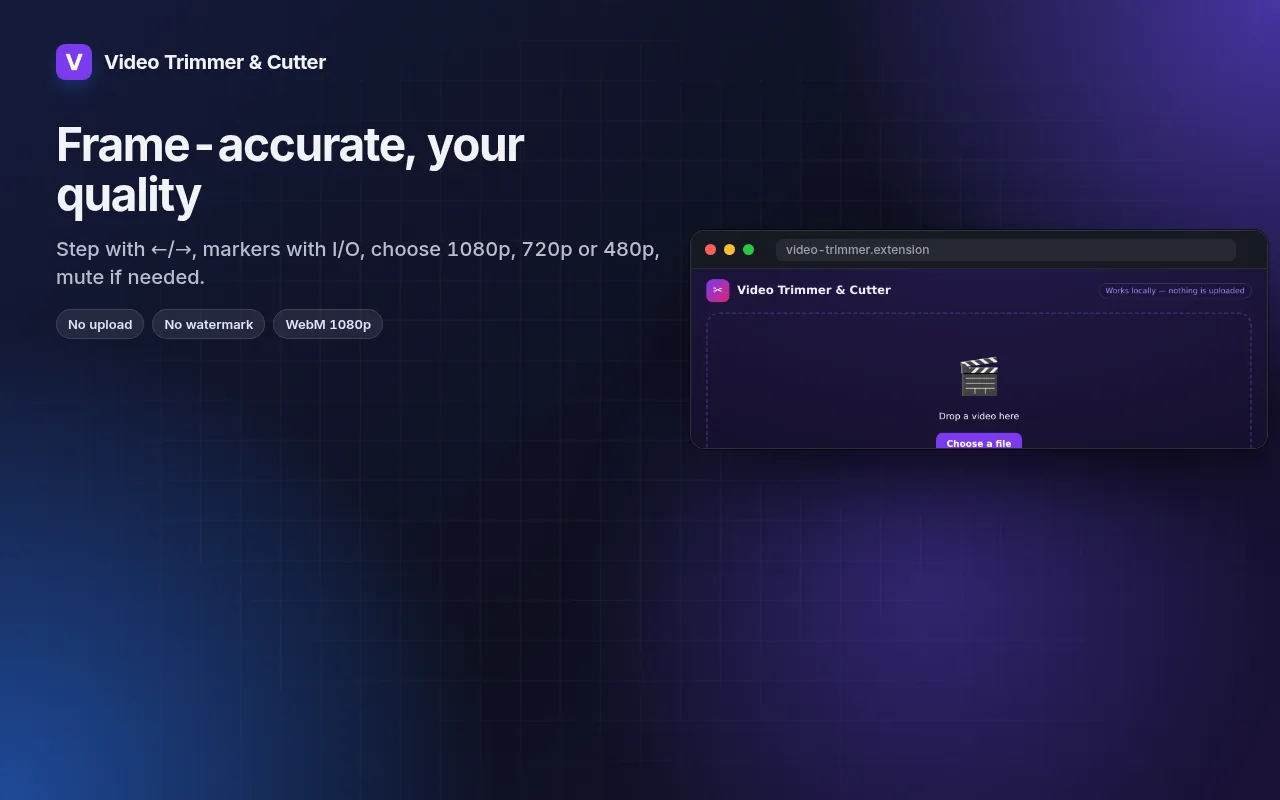
- Frame-by-frame stepping, I/O markers and loop for precise cuts.
- Export at 1080p, 720p or 480p, with or without sound.
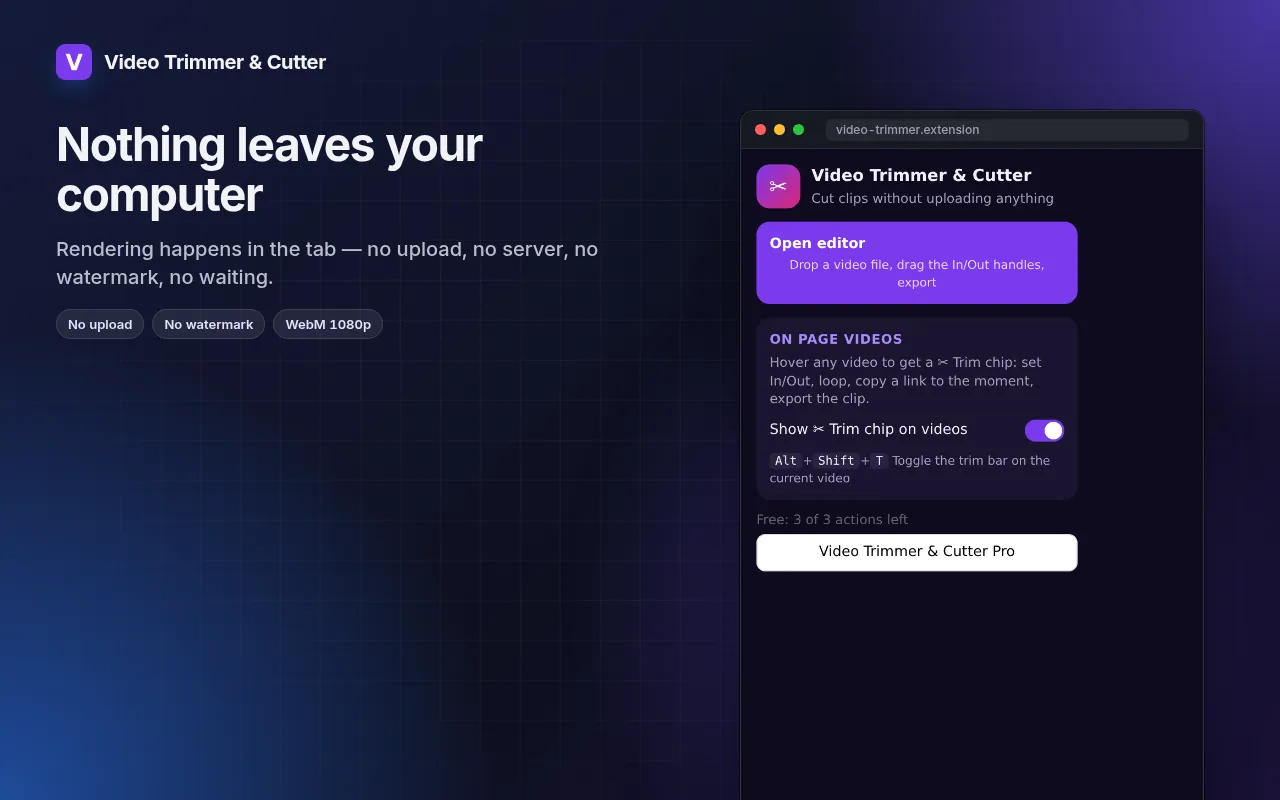
- Rendering happens on your machine — the file never leaves it.
Paano gamitin ang Video Trimmer at Cutter
- Click the icon → Open editor, or hover a video on a page and press ✂ Trim.
- Drag the In and Out handles; loop to check the cut.
- Pick the resolution and export.
Kung kailan ito magagamit
- A 20-second highlight from a long screen recording for a bug report.
- The one good take from a phone video, without installing an editor.
- A clip from a lecture or webinar to share with the team.
Free at Pro
Bawat extension may free tier na gumagawa ng trabaho. Walang trial clock, walang card.
$5.49/buwan$35.79/taon$49.99 minsan, panghabambuhay
I-cancel kahit kailan. Naka-USD ang presyo; local currencies sa checkout.
Mga Tanong
Why WebM and not MP4?
WebM is what browsers can encode natively without uploading. It plays in Chrome, Edge, Firefox, Telegram, Slack and most editors; convert later if you need MP4.
Does it re-encode the whole file?
Only the selected part is rendered, so a 30-second clip takes about 30 seconds.
Libre ba ang Video Trimmer at Cutter?
Oo — sakop ng free tier ang 3 files kada installation sa bawat feature. Kung kailangan mo ng higit pa, tatanggalin ng Pro ang limit; gumagana ang isang Pro sa lahat ng extensions namin.
Ano ang Pro?
Isang optional na subscription ($5.49/buwan, $35.79/taon o $49.99 minsan) na nagtatanggal ng free limits sa bawat extension ng collection. Makikita mo lang ito kapag umabot ka sa limit.
Kinokolekta ba o ipinapadala ang data ko?
Gumagana ito sa loob ng pages na binubuksan mo, sa browser mo; walang account at walang analytics. Ang permissions sa itaas ang buong listahan.
Gumagana ba ito sa Edge, Brave, Opera?
Oo, kahit anong Chromium browser ay pwedeng mag-install ng extensions mula sa Chrome Web Store.
Technical details at permissions
Hinihingi lang ng extension kung ano ang kailangan ng feature:
| Permission | Bakit |
|---|---|
storage | Tandaan ang settings mo locally. |
downloads | I-save ang files na in-export mo. |
identity | |
Site access | Kailangan ng extension ng access sa pages para gumana (tingnan ang table); hindi nito ipinapadala ang content ng page kahit saan. |