 Developer at SEO toolsLibreng Chrome extension
Headings — H1–H6 Outline para sa SEO
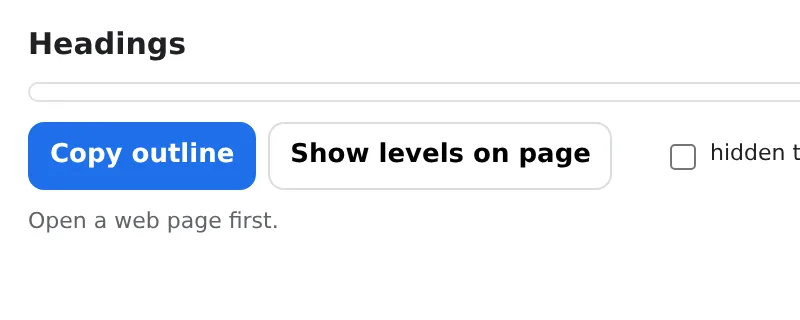
See the H1–H6 outline of any page and the SEO problems in it — missing or duplicate H1, skipped levels, empty headings.
Indented tree with counts per level; copy as text for a report. Local, instant.
I-add sa Chrome — libre itoOfficial site →
- Libreng subukan
- Walang account
- Gumagana locally
- 52+ mga wika
Gumagana sa Chrome, Edge, Brave at Opera
Ano'ng makukuha mo
Indented tree with counts per level; copy as text for a report. Local, instant.
- Full heading tree with per-level counts in one click.
- Checks: missing/multiple H1, skipped levels (H2 → H4), empty headings, first heading not H1, title and meta description.
- Click a heading to scroll to it on the page.
- Copy the outline as text; nothing is uploaded.
Paano gamitin ang Headings — H1–H6 Outline para sa SEO
- Open the page and click the icon.
- Read the tree and the flagged issues.
- Fix the headings and re-check.
Kung kailan ito magagamit
- SEO audits of landing pages and articles.
- Content editors structuring a long post.
- Accessibility reviews: screen readers navigate by headings.
Free at Pro
Bawat extension may free tier na gumagawa ng trabaho. Walang trial clock, walang card.
$5.49/buwan$35.79/taon$49.99 minsan, panghabambuhay
I-cancel kahit kailan. Naka-USD ang presyo; local currencies sa checkout.
Mga Tanong
Does it change the page?
No — it only reads the headings; nothing is modified.
Does it work on dynamic sites?
Yes — it reads the headings as they are rendered when you click.
Libre ba ang Headings — H1–H6 Outline para sa SEO?
Oo — sakop ng free tier ang 3 files kada installation sa bawat feature. Kung kailangan mo ng higit pa, tatanggalin ng Pro ang limit; gumagana ang isang Pro sa lahat ng extensions namin.
Ano ang Pro?
Isang optional na subscription ($5.49/buwan, $35.79/taon o $49.99 minsan) na nagtatanggal ng free limits sa bawat extension ng collection. Makikita mo lang ito kapag umabot ka sa limit.
Kinokolekta ba o ipinapadala ang data ko?
Gumagana ito sa loob ng pages na binubuksan mo, sa browser mo; walang account at walang analytics. Ang permissions sa itaas ang buong listahan.
Gumagana ba ito sa Edge, Brave, Opera?
Oo, kahit anong Chromium browser ay pwedeng mag-install ng extensions mula sa Chrome Web Store.
Iba pa sa Developer at SEO tools

Technical details at permissions
Hinihingi lang ng extension kung ano ang kailangan ng feature:
| Permission | Bakit |
|---|---|
activeTab | Gumagana lang sa kasalukuyang tab pagkatapos mong i-click ang icon. |
scripting | Paganahin ang feature sa loob ng page na kinlick mo. |
storage | Tandaan ang settings mo locally. |
identity | |
Site access | Kailangan ng extension ng access sa pages para gumana (tingnan ang table); hindi nito ipinapadala ang content ng page kahit saan. |