 Tabs & productivityFree Chrome extension
Pomodoro Timer — Focus Timer
25 minutes of focus, 5 of rest — the countdown lives on your toolbar icon.
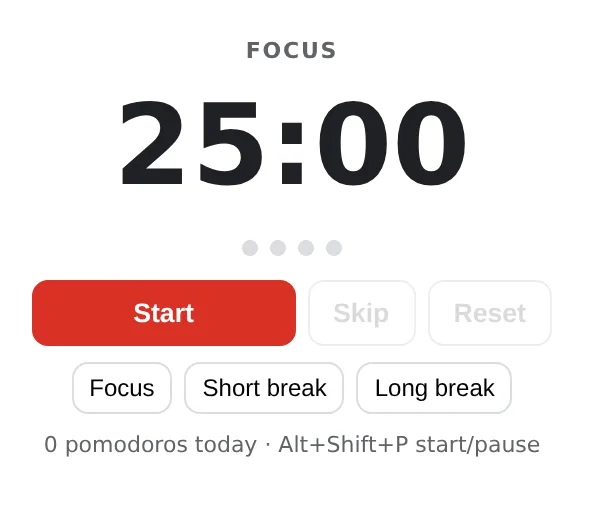
Chime and notification at each phase, long break every four, today's count in the popup. Works offline.
Add to Chrome — it's freeOfficial site →
- Free to try
- No account
- Works locally
- 52+ languages
Works in Chrome, Edge, Brave and Opera
What you get
Chime and notification at each phase, long break every four, today's count in the popup. Works offline.
- Minutes left shown right on the icon — no tab to keep open.
- All lengths configurable; long break after four sessions.
- Notification plus a chime so you notice even in another window.
- Alt+Shift+P starts and pauses; daily stats stay on your device.
How to use Pomodoro Timer — Focus Timer
- Click the icon or press Alt+Shift+P to start a session.
- Work until the chime; take the break it offers.
- Check today's completed pomodoros in the popup.
When it comes in handy
- Writing, studying or coding in blocks without checking the clock.
- Breaking a dreaded task into one 25-minute start.
- Remembering to actually stand up between sessions.
Free and Pro
Every extension has a free tier that does the job. No trial clock, no card.
$5.49/month$35.79/year$49.99 once, forever
Cancel anytime. Prices are shown in USD; local currencies at checkout.
Questions
Does the timer survive closing the popup?
Yes — it runs on browser alarms, so it keeps going even when Chrome suspends the extension.
Can I change 25/5?
Yes: focus, short and long break lengths and the cycle count are all adjustable.
Is Pomodoro Timer — Focus Timer free?
Yes — the free tier covers 3 files per installation with every feature. If you need more, Pro removes the limit; one Pro works in all our extensions.
What is Pro?
A single optional subscription ($5.49/month, $35.79/year or $49.99 once) that removes the free limits in every extension of the collection. You only see it when you hit a limit.
Does it collect or send my data?
It works inside the pages you open, in your browser; there is no account and no analytics. The permissions above are the full list.
Does it work in Edge, Brave, Opera?
Yes, any Chromium browser installs extensions from the Chrome Web Store.
More in Tabs & productivity
 Pro available
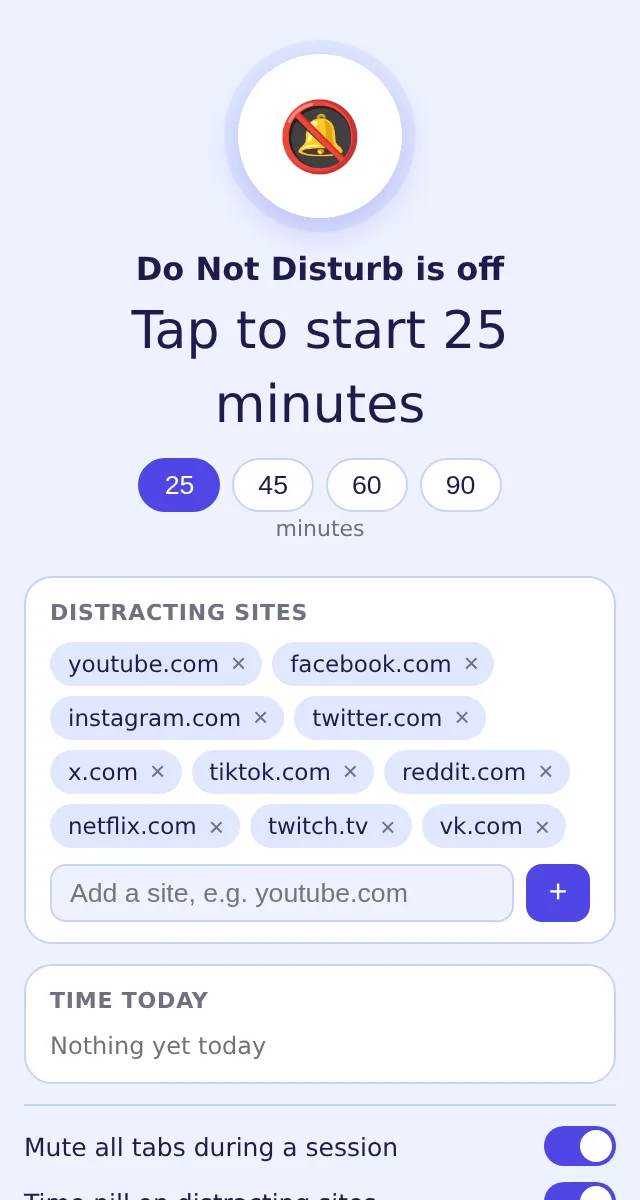
 Do Not Disturb — Focus Mode for ChromeOne click mutes every tab and covers distracting sites with a calm «Do not disturb» screen for 25–90 minutes.
 Pro available
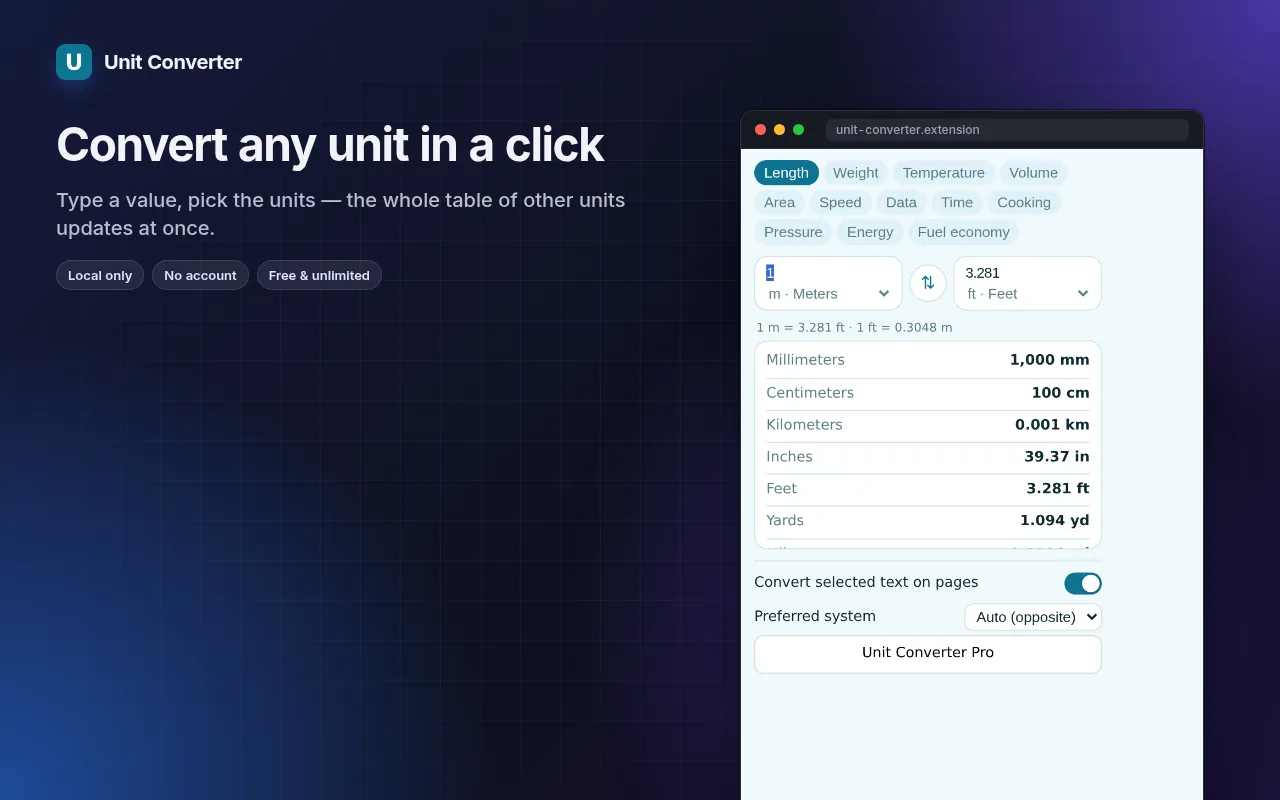
 Unit ConverterConvert length, weight, temperature, volume, area, speed, data, time and cooking units. Select any measurement on a page to convert.
 Pro available
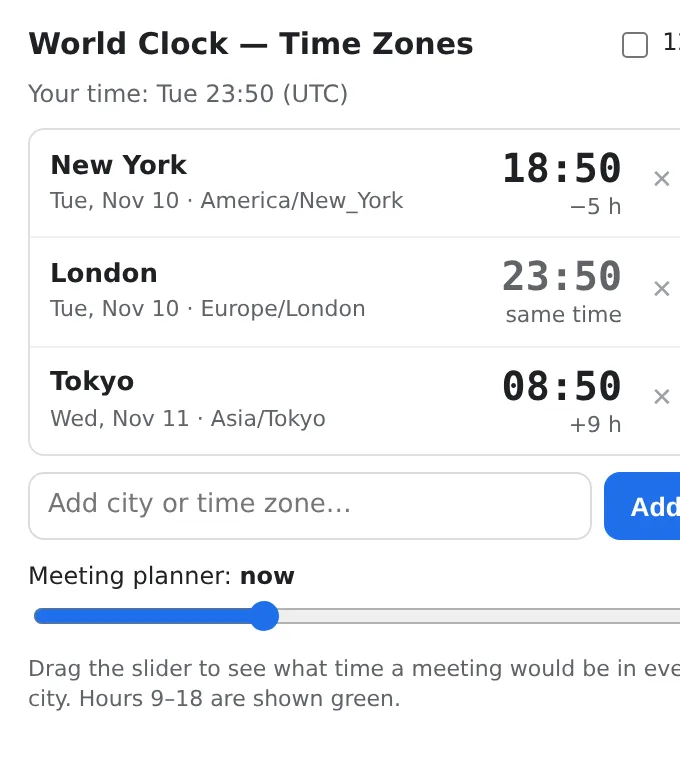
 World Clock — Time ZonesWorld clock for your cities: current time, date and offset in every time zone, day/night, and a meeting planner for a common hour.
Technical details and permissions
The extension asks only for what the feature needs:
| Permission | Why |
|---|---|
storage | Remember your settings locally. |
alarms | Timers and schedules while the popup is closed. |
notifications | Desktop notifications you enable. |
offscreen | Process audio or images in a hidden page (a Manifest V3 requirement). |
identity | |
Site access | The extension needs access to pages to do its job (see the table); it does not send page content anywhere. |
25-minute focus sessions with 5-minute breaks and a long break every four (all lengths configurable). Minutes left are shown on the toolbar icon; a notification and a chime mark the end of each phase; the popup shows today's completed pomodoros. Alt+Shift+P starts / pauses. Timing uses chrome.alarms, so it survives the service worker being suspended.
Permissions: alarms, notifications, offscreen (chime playback), storage, <all_urls> (a floating countdown on every page while a session runs, synced across tabs; sites on your distraction list get a gentle focus overlay during work). No network.