 Tabs & productivityFree Chrome extension
World Clock — Time Zones
What time is it for your team in Berlin, Bangalore and Boston? One click, all your cities, working hours in green.
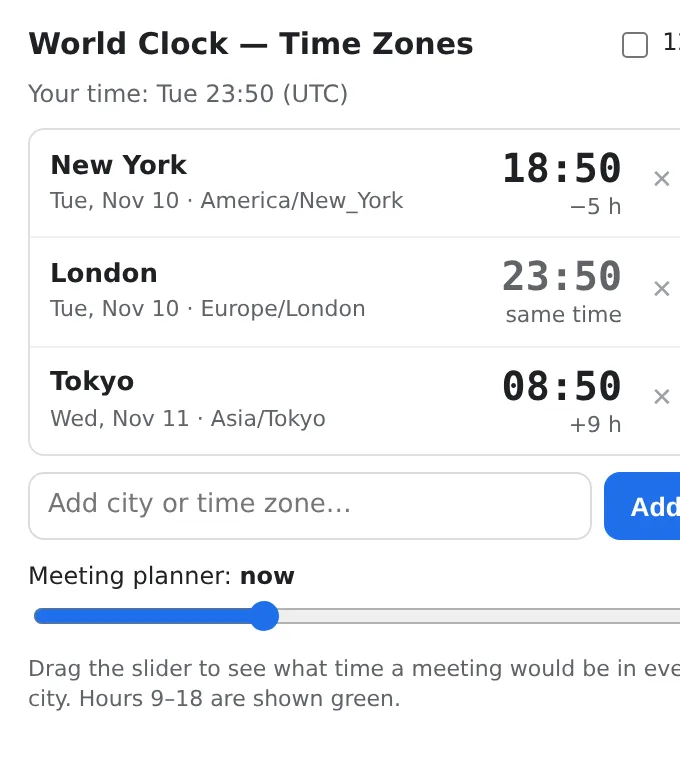
Add cities by name or time zone, 12/24-hour, day/night, and a meeting planner slider to find an hour that works for everyone.
Add to Chrome — it's freeOfficial site →
- Free to try
- No account
- Works locally
- 52+ languages
Works in Chrome, Edge, Brave and Opera
What you get
Add cities by name or time zone, 12/24-hour, day/night, and a meeting planner slider to find an hour that works for everyone.
- Current time, date and offset from you for every city you add.
- Working hours (9–18) in green, night in grey — read it at a glance.
- Drag the meeting planner: “+5 h from now” shown in every zone at once.
- Computed locally with the browser's time-zone data; no network.
How to use World Clock — Time Zones
- Click the icon and add your cities.
- Check times and offsets at a glance.
- Drag the planner slider to find a slot that suits everyone.
When it comes in handy
- Remote teams and clients across continents.
- Scheduling calls with family abroad.
- Catching a launch, match or deadline announced in another zone.
Free and Pro
Every extension has a free tier that does the job. No trial clock, no card.
$5.49/month$35.79/year$49.99 once, forever
Cancel anytime. Prices are shown in USD; local currencies at checkout.
Questions
Does it handle daylight saving?
Yes — it uses the browser's IANA time-zone database, so DST changes are automatic.
Can I add a city it doesn't know?
Add it by its time zone (e.g. Europe/Lisbon) and give it any label you like.
Is World Clock — Time Zones free?
Yes — the free tier covers 3 files per installation with every feature. If you need more, Pro removes the limit; one Pro works in all our extensions.
What is Pro?
A single optional subscription ($5.49/month, $35.79/year or $49.99 once) that removes the free limits in every extension of the collection. You only see it when you hit a limit.
Does it collect or send my data?
It works inside the pages you open, in your browser; there is no account and no analytics. The permissions above are the full list.
Does it work in Edge, Brave, Opera?
Yes, any Chromium browser installs extensions from the Chrome Web Store.
More in Tabs & productivity
 Pro available
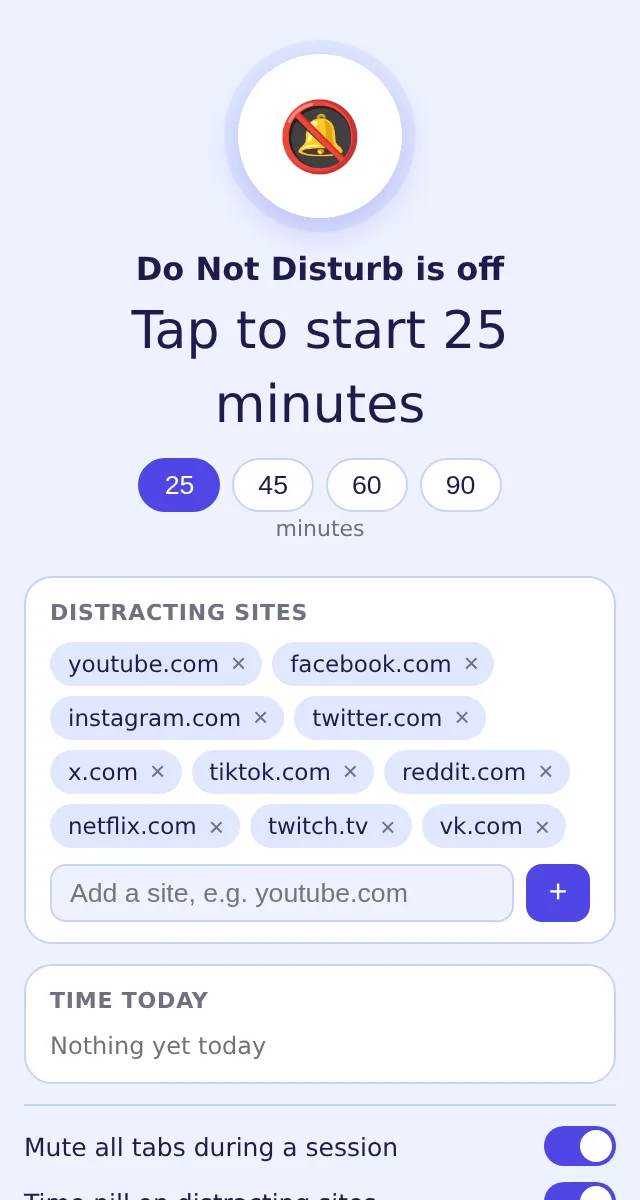
 Do Not Disturb — Focus Mode for ChromeOne click mutes every tab and covers distracting sites with a calm «Do not disturb» screen for 25–90 minutes.
 Pro available
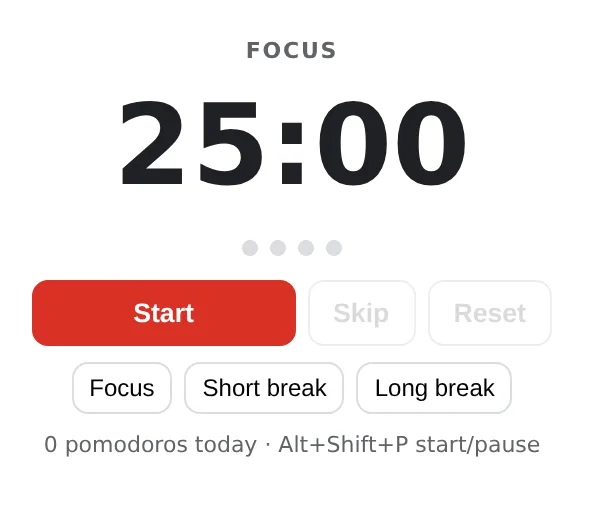
 Pomodoro Timer — Focus TimerPomodoro timer in your toolbar: 25/5 focus and break cycles, countdown on the icon, notification and chime, daily stats. Offline.
 Pro available
 Unit ConverterConvert length, weight, temperature, volume, area, speed, data, time and cooking units. Select any measurement on a page to convert.
Technical details and permissions
The extension asks only for what the feature needs:
| Permission | Why |
|---|---|
storage | Remember your settings locally. |
identity | |
Site access | The extension needs access to pages to do its job (see the table); it does not send page content anywhere. |
Click the icon to see the current time, date and offset from you in every city you added, with working hours (9–18) in green and night in grey. Add a city by name or IANA zone, switch 12/24-hour, and drag the meeting planner slider to see what a time ±N hours from now is in every zone. All computed with Intl — no network.
Permissions: storage (your list of zones, synced).