 Tabs at productivityLibreng Chrome extension
Pomodoro Timer — Timer sa Pagtutok
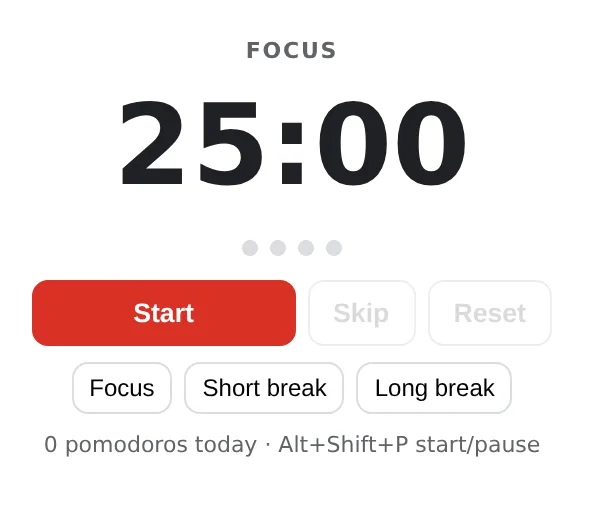
25 minutes of focus, 5 of rest — the countdown lives on your toolbar icon.
Chime and notification at each phase, long break every four, today's count in the popup. Works offline.
I-add sa Chrome — libre itoOfficial site →
- Libreng subukan
- Walang account
- Gumagana locally
- 52+ mga wika
Gumagana sa Chrome, Edge, Brave at Opera
Ano'ng makukuha mo
Chime and notification at each phase, long break every four, today's count in the popup. Works offline.
- Minutes left shown right on the icon — no tab to keep open.
- All lengths configurable; long break after four sessions.
- Notification plus a chime so you notice even in another window.
- Alt+Shift+P starts and pauses; daily stats stay on your device.
Paano gamitin ang Pomodoro Timer — Timer sa Pagtutok
- Click the icon or press Alt+Shift+P to start a session.
- Work until the chime; take the break it offers.
- Check today's completed pomodoros in the popup.
Kung kailan ito magagamit
- Writing, studying or coding in blocks without checking the clock.
- Breaking a dreaded task into one 25-minute start.
- Remembering to actually stand up between sessions.
Free at Pro
Bawat extension may free tier na gumagawa ng trabaho. Walang trial clock, walang card.
$5.49/buwan$35.79/taon$49.99 minsan, panghabambuhay
I-cancel kahit kailan. Naka-USD ang presyo; local currencies sa checkout.
Mga Tanong
Does the timer survive closing the popup?
Yes — it runs on browser alarms, so it keeps going even when Chrome suspends the extension.
Can I change 25/5?
Yes: focus, short and long break lengths and the cycle count are all adjustable.
Libre ba ang Pomodoro Timer — Timer sa Pagtutok?
Oo — sakop ng free tier ang 3 files kada installation sa bawat feature. Kung kailangan mo ng higit pa, tatanggalin ng Pro ang limit; gumagana ang isang Pro sa lahat ng extensions namin.
Ano ang Pro?
Isang optional na subscription ($5.49/buwan, $35.79/taon o $49.99 minsan) na nagtatanggal ng free limits sa bawat extension ng collection. Makikita mo lang ito kapag umabot ka sa limit.
Kinokolekta ba o ipinapadala ang data ko?
Gumagana ito sa loob ng pages na binubuksan mo, sa browser mo; walang account at walang analytics. Ang permissions sa itaas ang buong listahan.
Gumagana ba ito sa Edge, Brave, Opera?
Oo, kahit anong Chromium browser ay pwedeng mag-install ng extensions mula sa Chrome Web Store.
Iba pa sa Tabs at productivity
 Available ang Pro
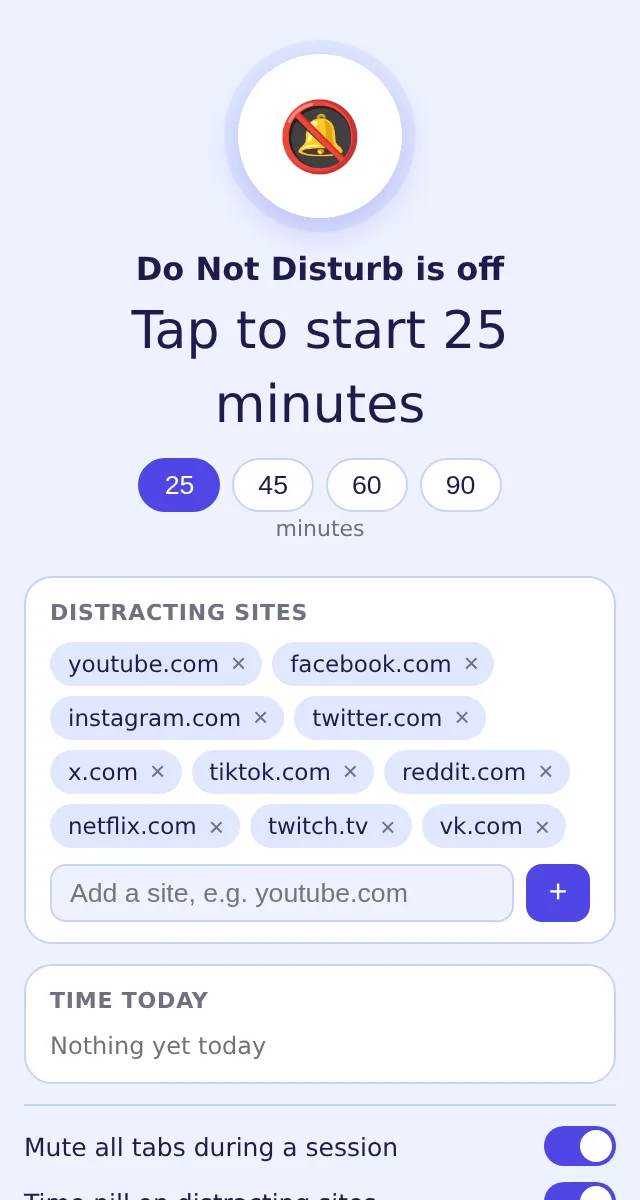
 Do Not Disturb — Focus Mode para sa ChromeIsang click ang nagmu-mute sa lahat ng tab at tumatakip sa mga nakakaabalang site ng «Do not disturb» screen nang 25–90 minuto.
 Available ang Pro
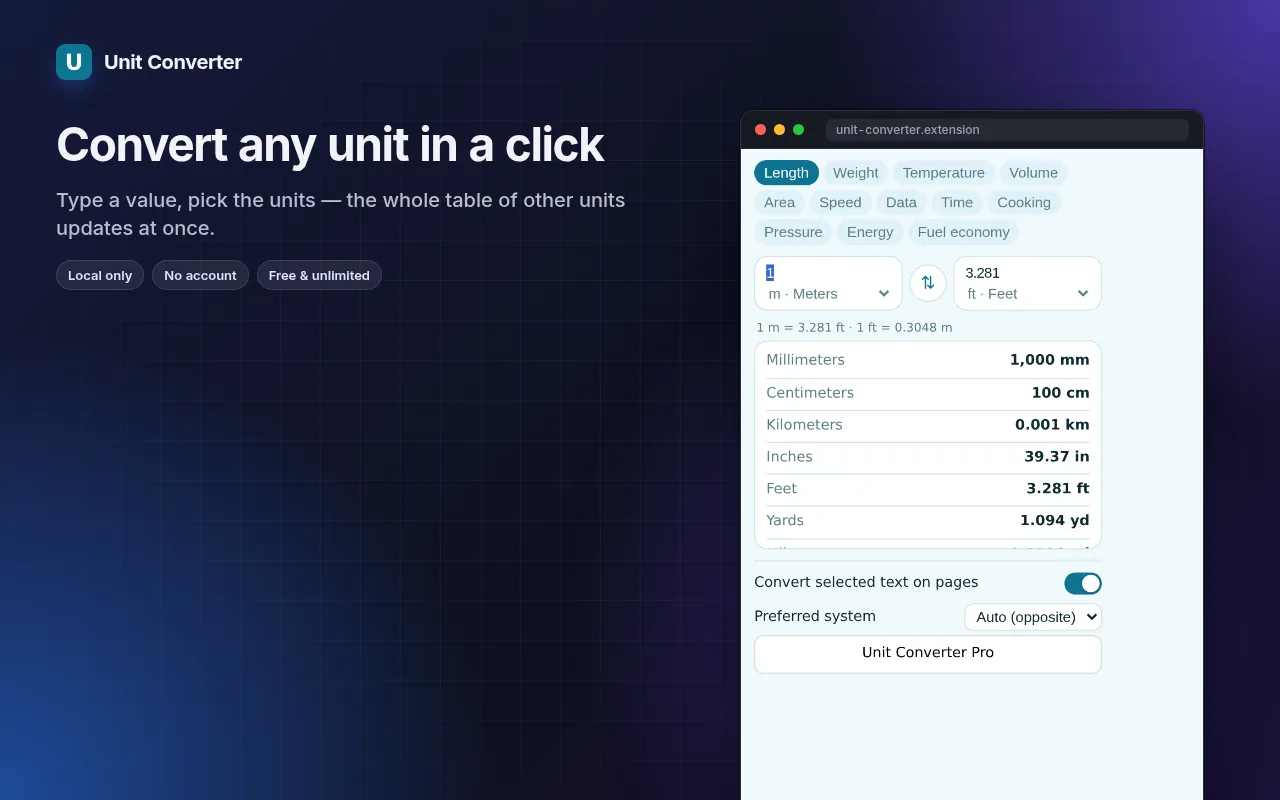
 Tagapagpalit ng Unit ng SukatMag-convert ng haba, timbang, temperatura, volume, lawak, bilis, data, oras, at panukat sa pagluluto. Pumili lang ng sukat sa page.
 Available ang Pro
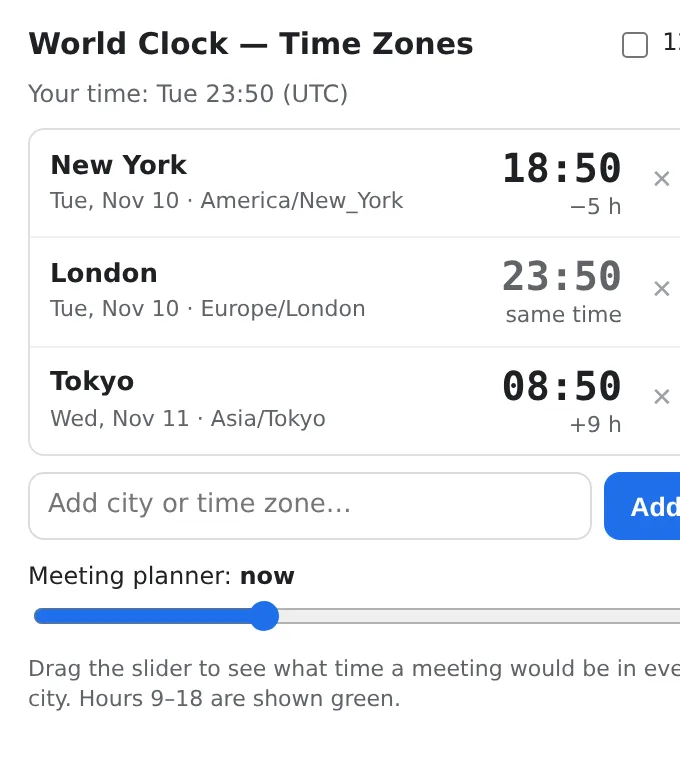
 World Clock — Mga Time ZoneWorld clock para sa iyong mga lungsod: kasalukuyang oras, petsa at pagkakaiba sa bawat time zone, araw/gabi.
Technical details at permissions
Hinihingi lang ng extension kung ano ang kailangan ng feature:
| Permission | Bakit |
|---|---|
storage | Tandaan ang settings mo locally. |
alarms | Mga timer at schedule habang nakasara ang popup. |
notifications | Desktop notifications na in-enable mo. |
offscreen | I-process ang audio o images sa isang hidden page (requirement ng Manifest V3). |
identity | |
Site access | Kailangan ng extension ng access sa pages para gumana (tingnan ang table); hindi nito ipinapadala ang content ng page kahit saan. |