 Video & audioFree Chrome extension
Video Trimmer & Cutter
Cut the part you need out of any video — in the browser, no upload, no watermark.
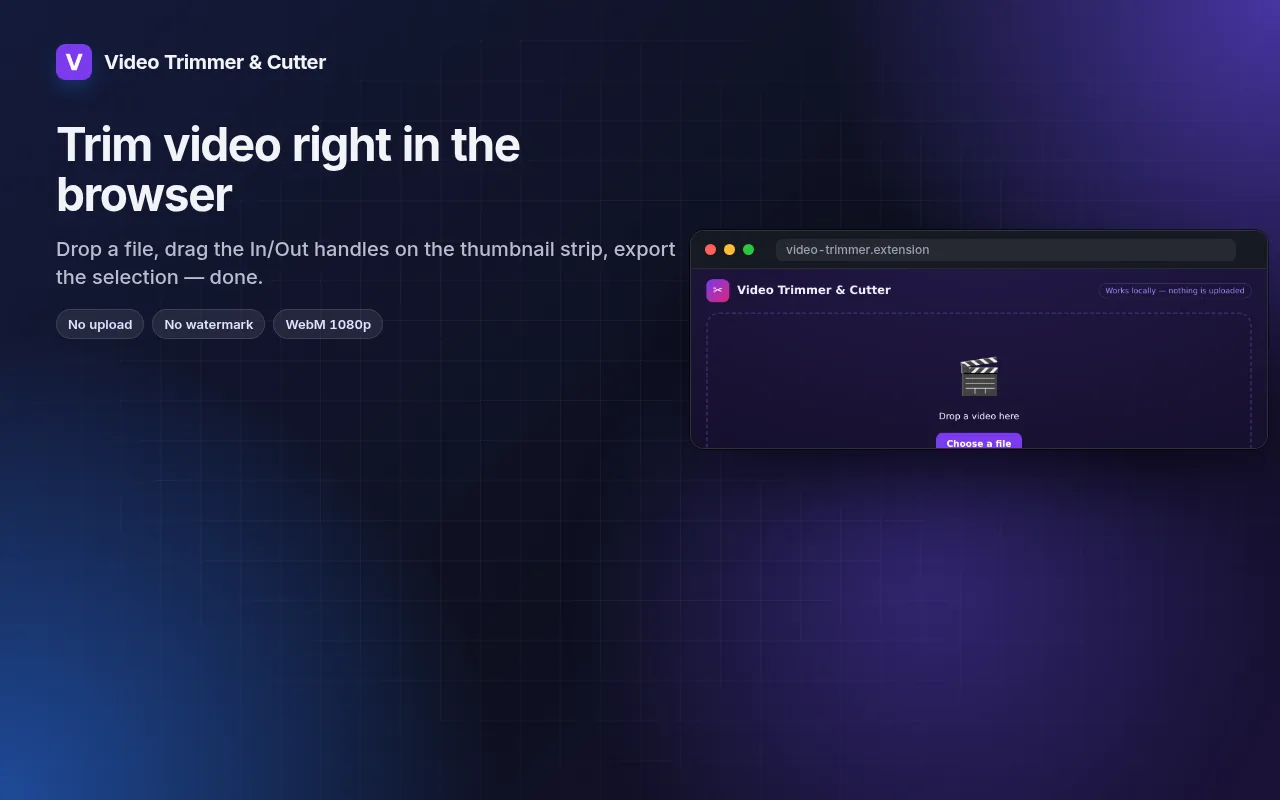
Drag In/Out handles on a thumbnail strip, loop the selection, export WebM at 1080p/720p/480p.
Add to Chrome — it's freeSee how it worksOfficial site →
- Free to try
- No account
- Works locally
- 52+ languages
Works in Chrome, Edge, Brave and Opera
Screenshots 5
What you get
Drag In/Out handles on a thumbnail strip, loop the selection, export WebM at 1080p/720p/480p.
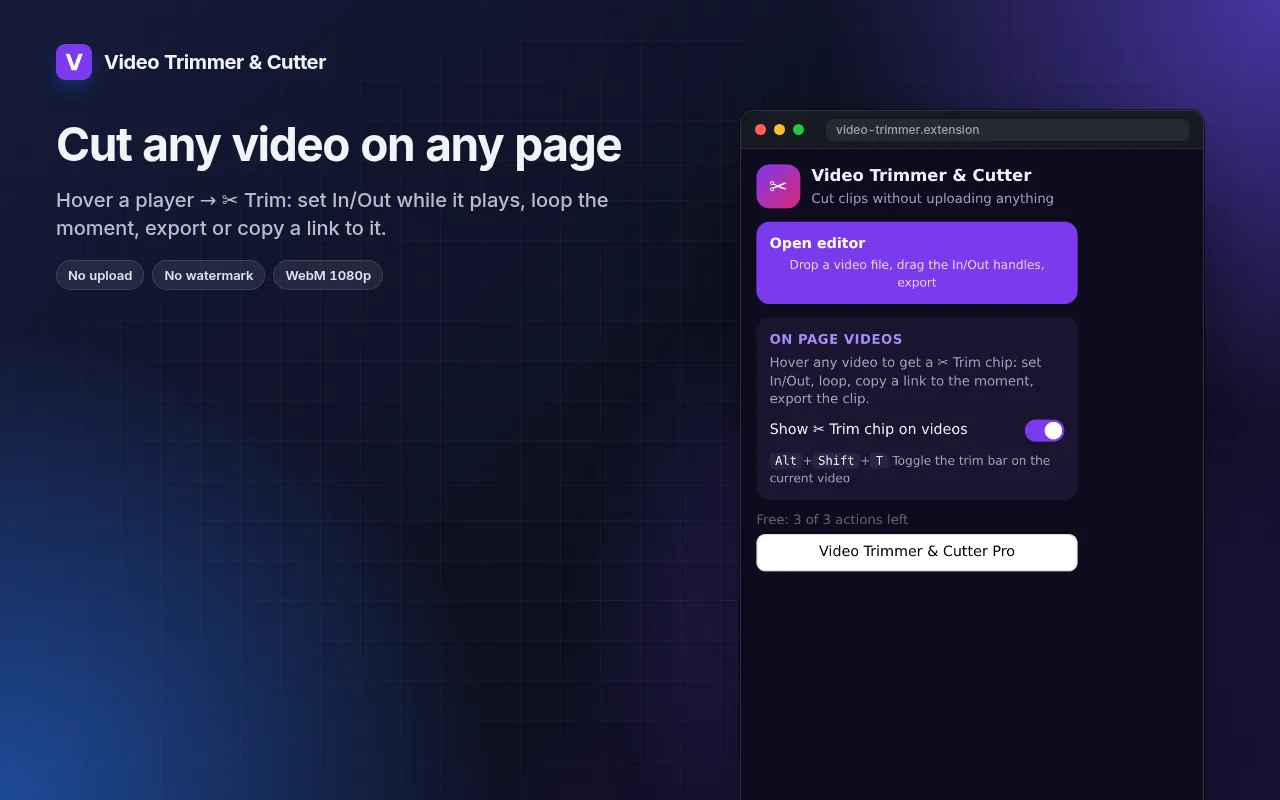
- Works with local files and with any video playing on a page (hover → ✂ Trim).
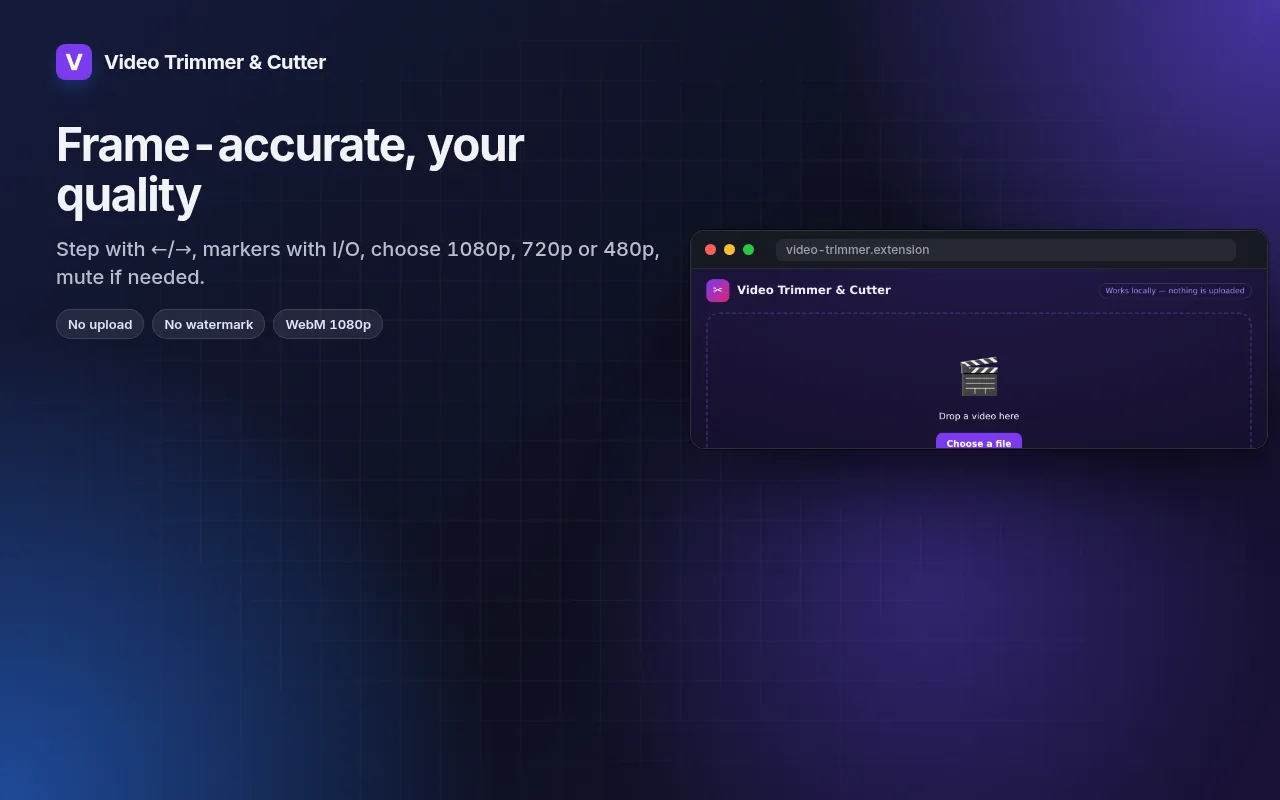
- Frame-by-frame stepping, I/O markers and loop for precise cuts.
- Export at 1080p, 720p or 480p, with or without sound.
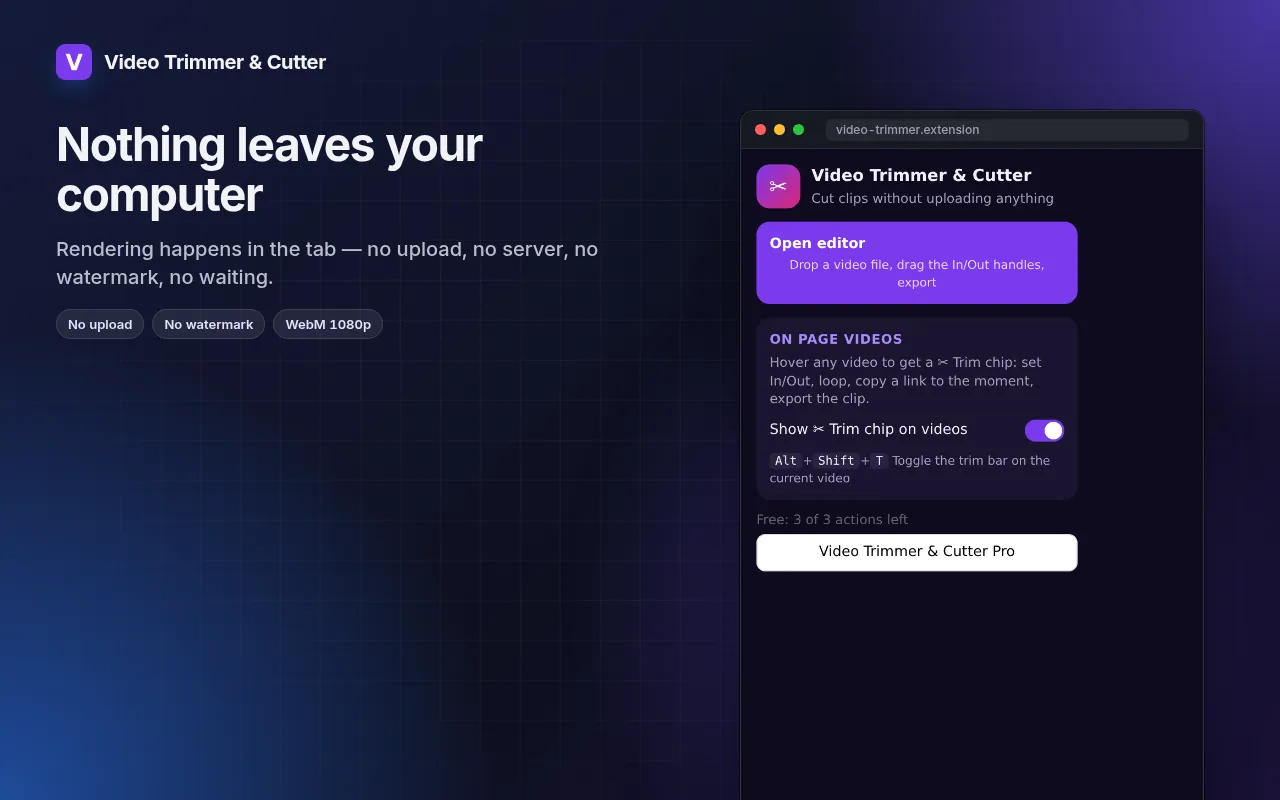
- Rendering happens on your machine — the file never leaves it.
How to use Video Trimmer & Cutter
- Click the icon → Open editor, or hover a video on a page and press ✂ Trim.
- Drag the In and Out handles; loop to check the cut.
- Pick the resolution and export.
When it comes in handy
- A 20-second highlight from a long screen recording for a bug report.
- The one good take from a phone video, without installing an editor.
- A clip from a lecture or webinar to share with the team.
Free and Pro
Every extension has a free tier that does the job. No trial clock, no card.
$5.49/month$35.79/year$49.99 once, forever
Cancel anytime. Prices are shown in USD; local currencies at checkout.
Questions
Why WebM and not MP4?
WebM is what browsers can encode natively without uploading. It plays in Chrome, Edge, Firefox, Telegram, Slack and most editors; convert later if you need MP4.
Does it re-encode the whole file?
Only the selected part is rendered, so a 30-second clip takes about 30 seconds.
Is Video Trimmer & Cutter free?
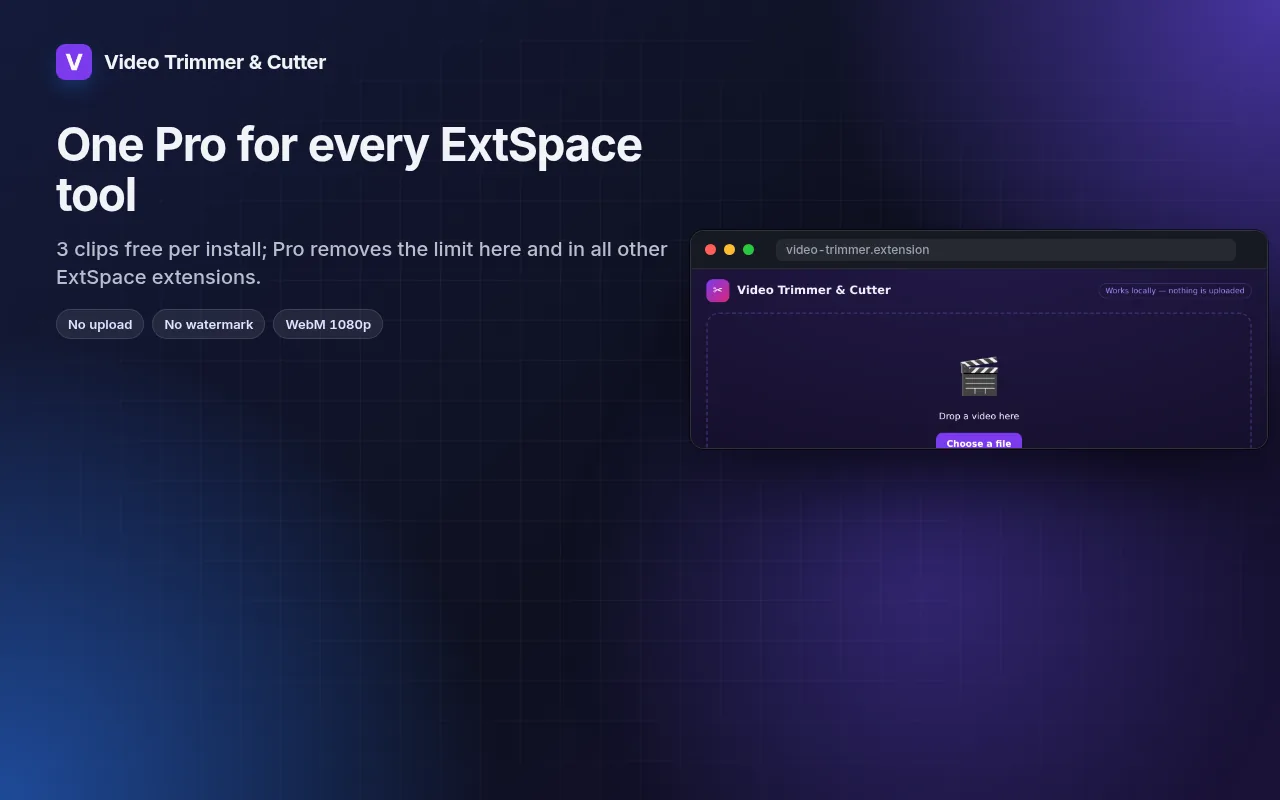
Yes — the free tier covers 3 files per installation with every feature. If you need more, Pro removes the limit; one Pro works in all our extensions.
What is Pro?
A single optional subscription ($5.49/month, $35.79/year or $49.99 once) that removes the free limits in every extension of the collection. You only see it when you hit a limit.
Does it collect or send my data?
It works inside the pages you open, in your browser; there is no account and no analytics. The permissions above are the full list.
Does it work in Edge, Brave, Opera?
Yes, any Chromium browser installs extensions from the Chrome Web Store.
Technical details and permissions
The extension asks only for what the feature needs:
| Permission | Why |
|---|---|
storage | Remember your settings locally. |
downloads | Save files you export. |
identity | |
Site access | The extension needs access to pages to do its job (see the table); it does not send page content anywhere. |
Trim and cut video in the browser — no upload, no watermark, no account.
Editor page (toolbar → Open editor): drop or pick a local video, drag the In/Out handles on a thumbnail strip, loop the selection, step frame by frame (←/→, Shift for 1 s), set markers with I/O, choose 1080p/720p/480p, mute if needed and export the selection as WebM. Rendering is canvas.captureStream + MediaRecorder, so the file never leaves the computer.
On every page: hovering any <video> shows a ✂ Trim chip. It opens a trim bar under the player: In/Out at the current time, loop the selection, copy a link to the moment (?t= on YouTube, #t=a,b elsewhere), export the selection straight from the page player (video.captureStream(); DRM/cross-origin players report that export is unavailable), or hand off to the editor. Alt+Shift+T toggles the bar on the largest video. The chip can be switched off in the popup.
Permissions: storage (settings), downloads (save the clip with a file dialog), <all_urls> (chip and trim bar on page videos).