 וידאו ואודיותוסף חינמי ל-Chrome
חיתוך וקיצור וידאו
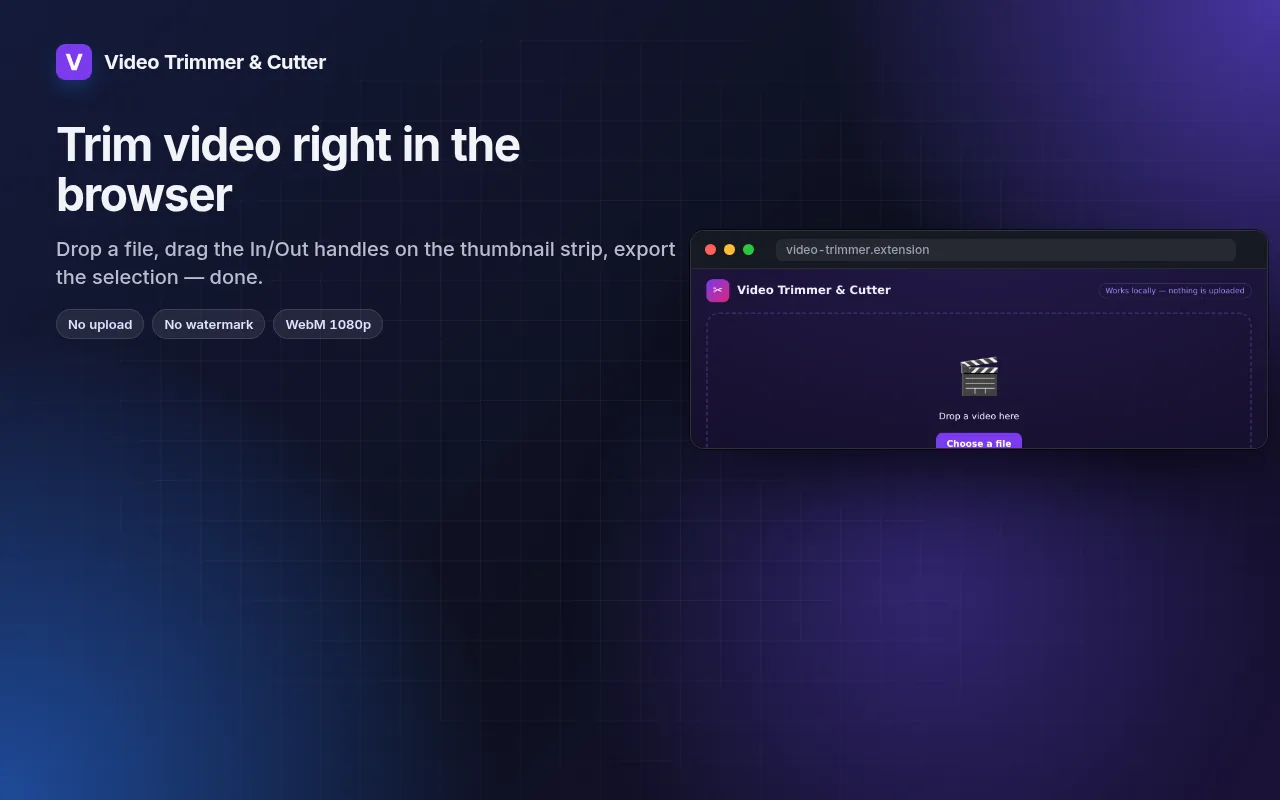
Cut the part you need out of any video — in the browser, no upload, no watermark.
Drag In/Out handles on a thumbnail strip, loop the selection, export WebM at 1080p/720p/480p.
הוספה ל-Chrome — זה בחינםראו איך זה עובדהאתר הרשמי →
- התנסות בחינם
- ללא חשבון
- פועל מקומית
- 52+ שפות
פועל ב-Chrome, Edge, Brave ו-Opera
צילומי מסך 5
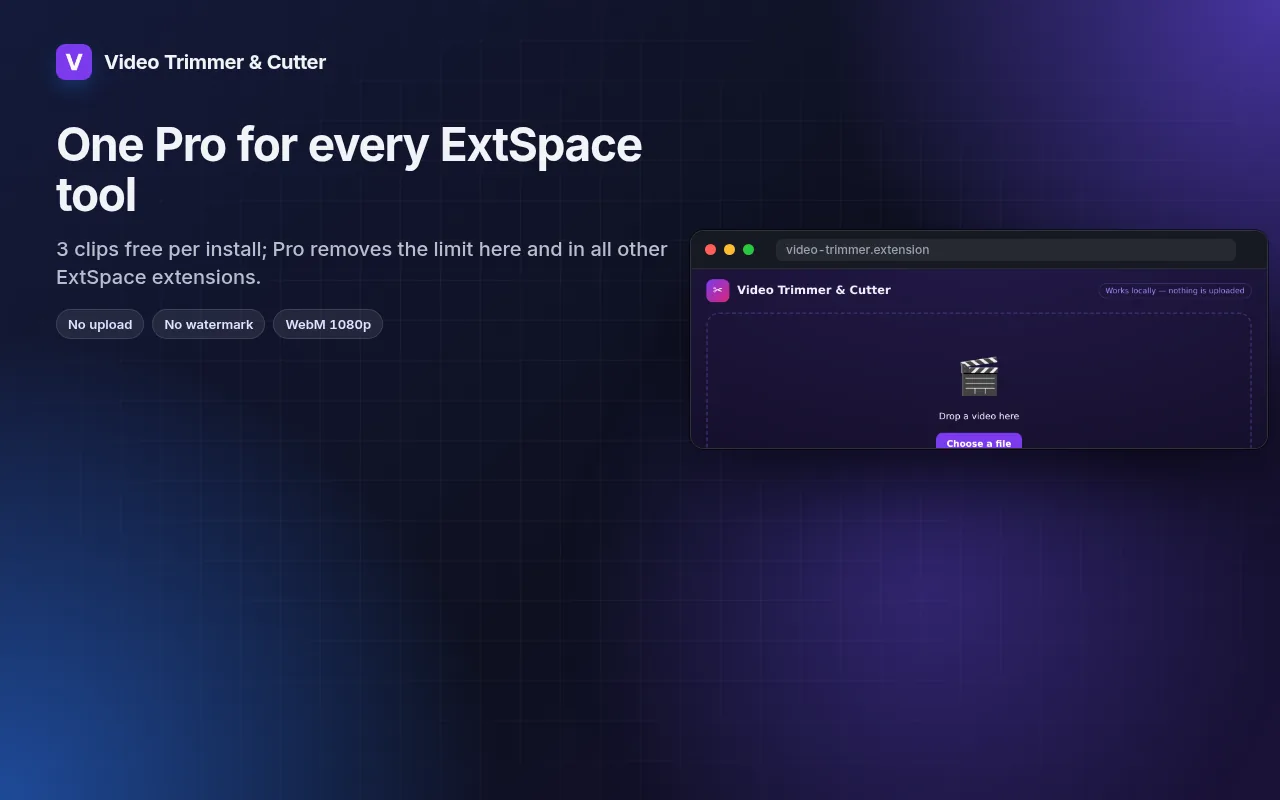
מה מקבלים
Drag In/Out handles on a thumbnail strip, loop the selection, export WebM at 1080p/720p/480p.
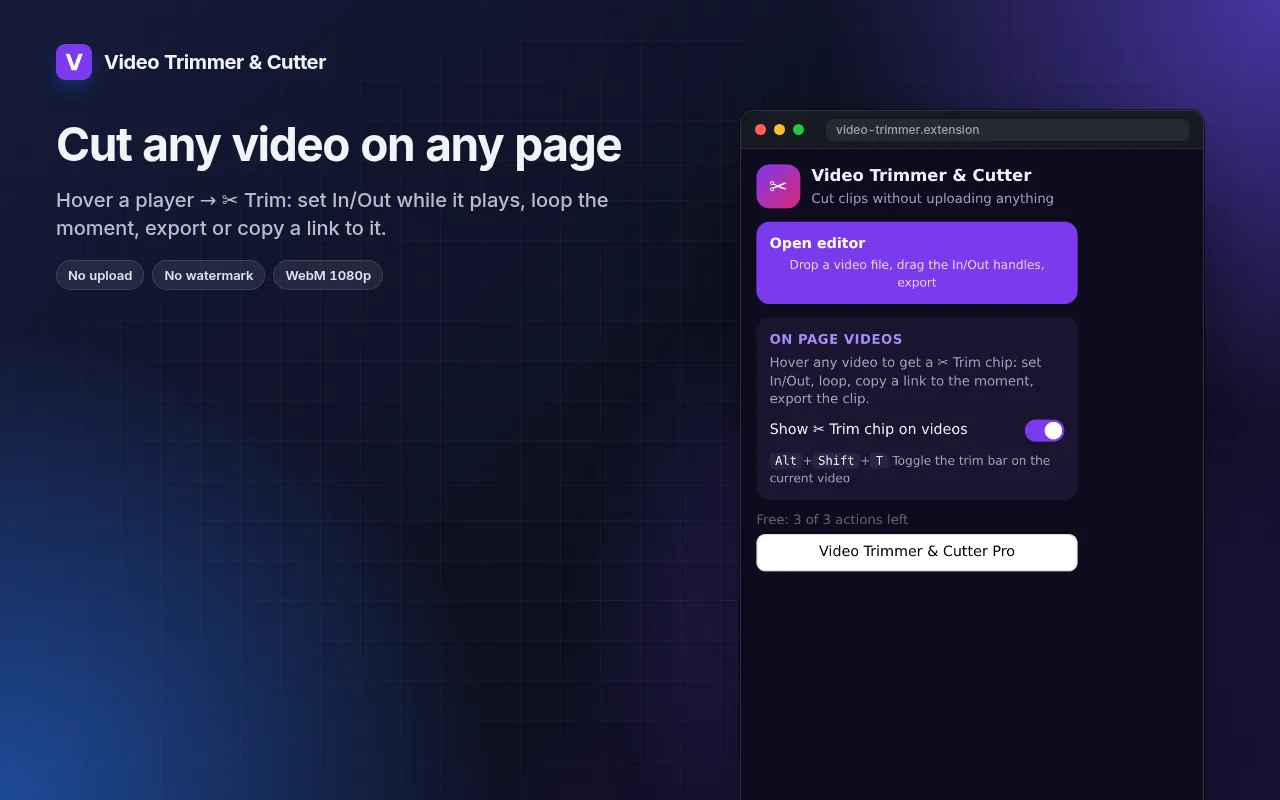
- Works with local files and with any video playing on a page (hover → ✂ Trim).
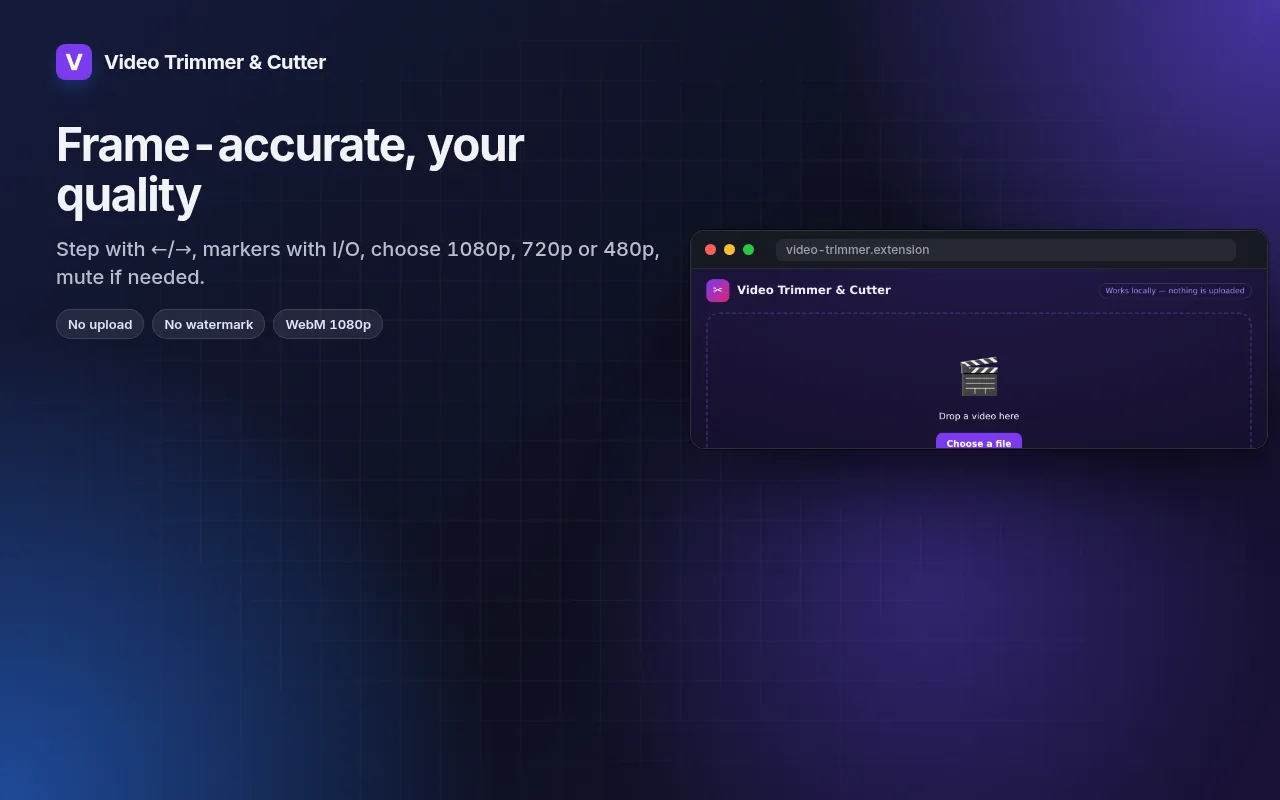
- Frame-by-frame stepping, I/O markers and loop for precise cuts.
- Export at 1080p, 720p or 480p, with or without sound.
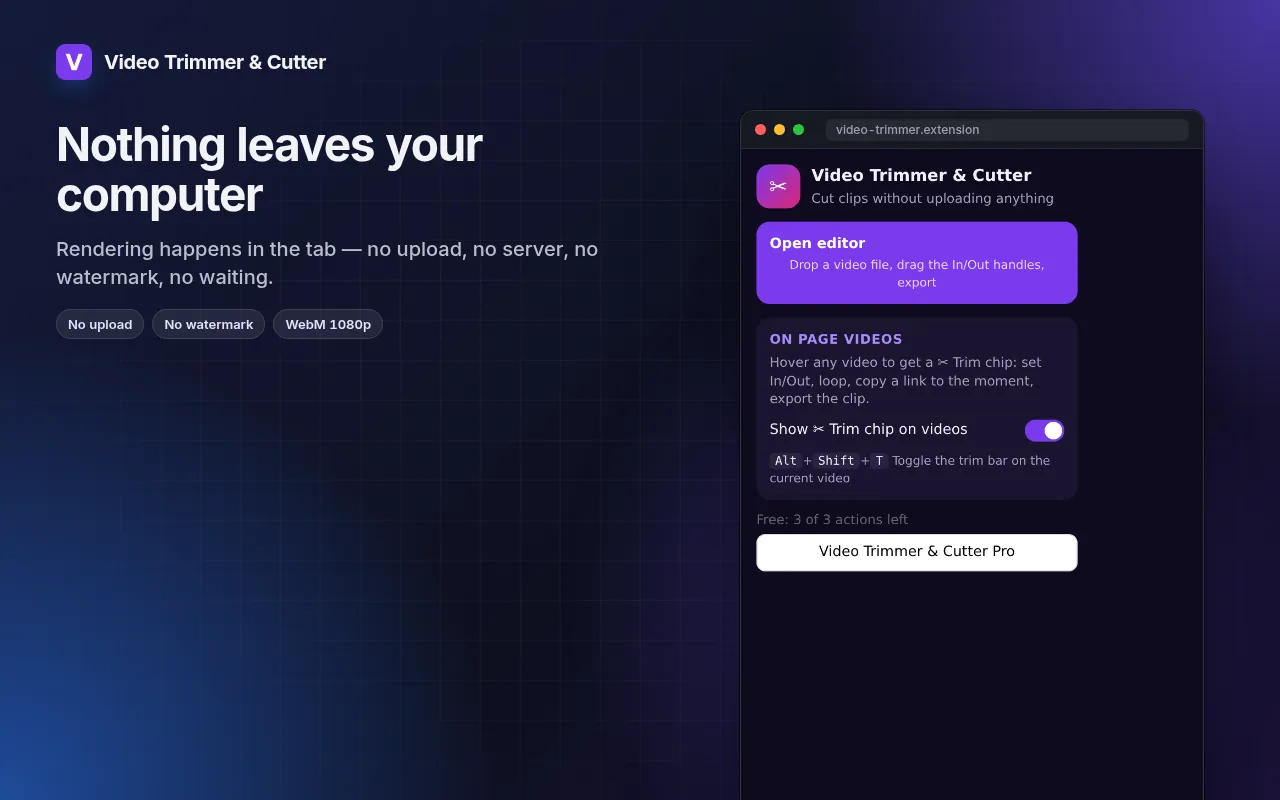
- Rendering happens on your machine — the file never leaves it.
איך להשתמש ב-חיתוך וקיצור וידאו
- Click the icon → Open editor, or hover a video on a page and press ✂ Trim.
- Drag the In and Out handles; loop to check the cut.
- Pick the resolution and export.
מתי זה שימושי
- A 20-second highlight from a long screen recording for a bug report.
- The one good take from a phone video, without installing an editor.
- A clip from a lecture or webinar to share with the team.
חינם ו-Pro
לכל תוסף יש מסלול חינמי שעושה את העבודה. בלי שעון עצר לניסיון, בלי כרטיס אשראי.
$5.49/חודש$35.79/שנה$49.99 תשלום חד-פעמי, לתמיד
ביטול בכל עת. המחירים מוצגים ב-USD; מטבעות מקומיים בקופה.
שאלות נפוצות
Why WebM and not MP4?
WebM is what browsers can encode natively without uploading. It plays in Chrome, Edge, Firefox, Telegram, Slack and most editors; convert later if you need MP4.
Does it re-encode the whole file?
Only the selected part is rendered, so a 30-second clip takes about 30 seconds.
האם חיתוך וקיצור וידאו בחינם?
כן — המסלול החינמי מכסה 3 קבצים לכל התקנה עם כל התכונות. אם תצטרכו יותר, מנוי Pro מסיר את ההגבלה; מנוי Pro אחד פועל בכל התוספים שלנו.
מה זה Pro?
מנוי אופציונלי יחיד ($5.49/חודש, $35.79/שנה או $49.99 חד-פעמי) שמסיר את ההגבלות החינמיות בכל תוסף באוסף. תראו אותו רק כשתגיעו למגבלה.
האם הוא אוסף או שולח את הנתונים שלי?
הוא פועל בתוך הדפים שאתם פותחים, בדפדפן שלכם; אין חשבון ואין כלי ניתוח (אנליטיקה). ההרשאות למעלה הן הרשימה המלאה.
האם זה עובד ב-Edge, Brave ו-Opera?
כן, כל דפדפן מבוסס Chromium יכול להתקין תוספים מחנות האינטרנט של Chrome.
פרטים טכניים והרשאות
התוסף מבקש רק את מה שהתכונה צריכה:
| הרשאה | למה |
|---|---|
storage | שומר את ההגדרות שלכם מקומית. |
downloads | שומר קבצים שאתם מייצאים. |
identity | |
Site access | התוסף זקוק לגישה לדפים כדי לבצע את עבודתו (ראו בטבלה); הוא לא שולח את תוכן הדף לשום מקום. |