 동영상 및 오디오무료 Chrome 확장 프로그램
동영상 자르기
Cut the part you need out of any video — in the browser, no upload, no watermark.
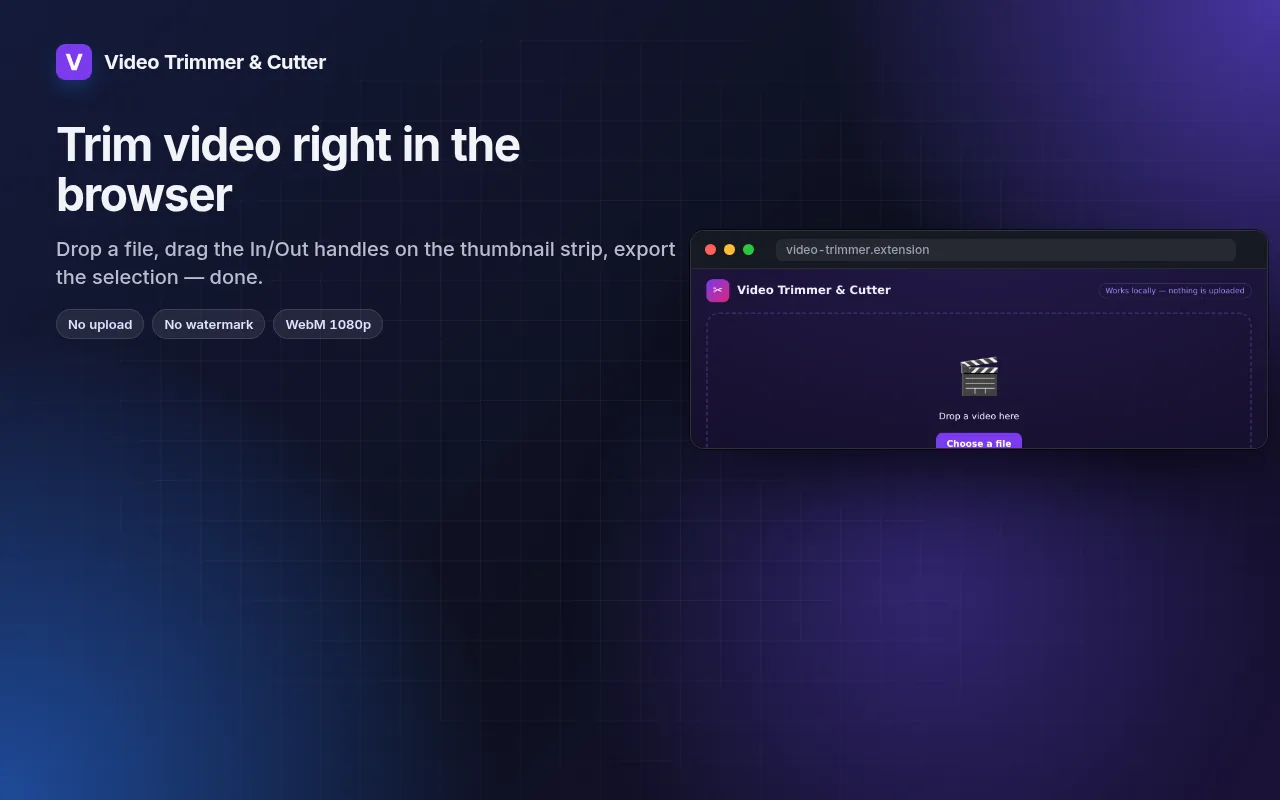
Drag In/Out handles on a thumbnail strip, loop the selection, export WebM at 1080p/720p/480p.
Chrome에 추가 — 무료입니다작동 방식 보기공식 사이트 →
- 무료 사용
- 계정 불필요
- 로컬에서 작동
- 52+ 언어
Chrome, Edge, Brave, Opera에서 작동
스크린샷 5
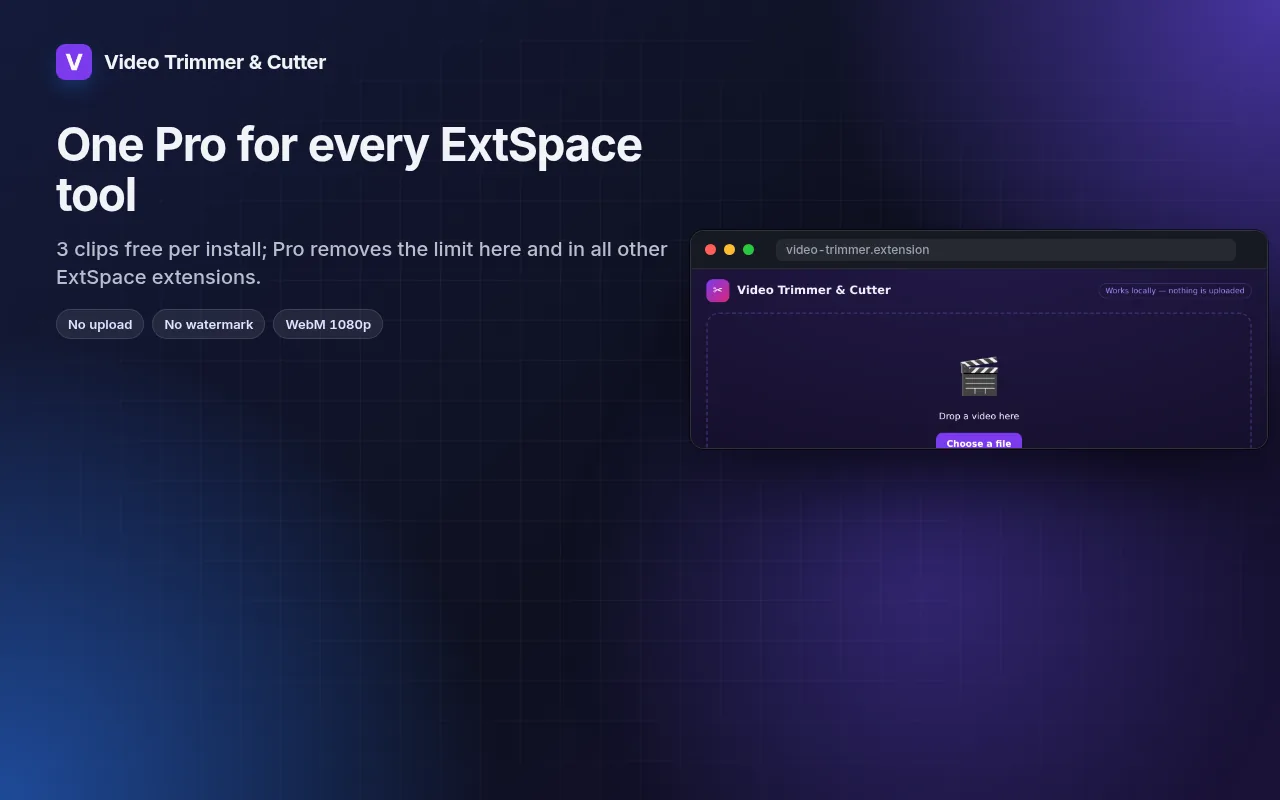
제공되는 기능
Drag In/Out handles on a thumbnail strip, loop the selection, export WebM at 1080p/720p/480p.
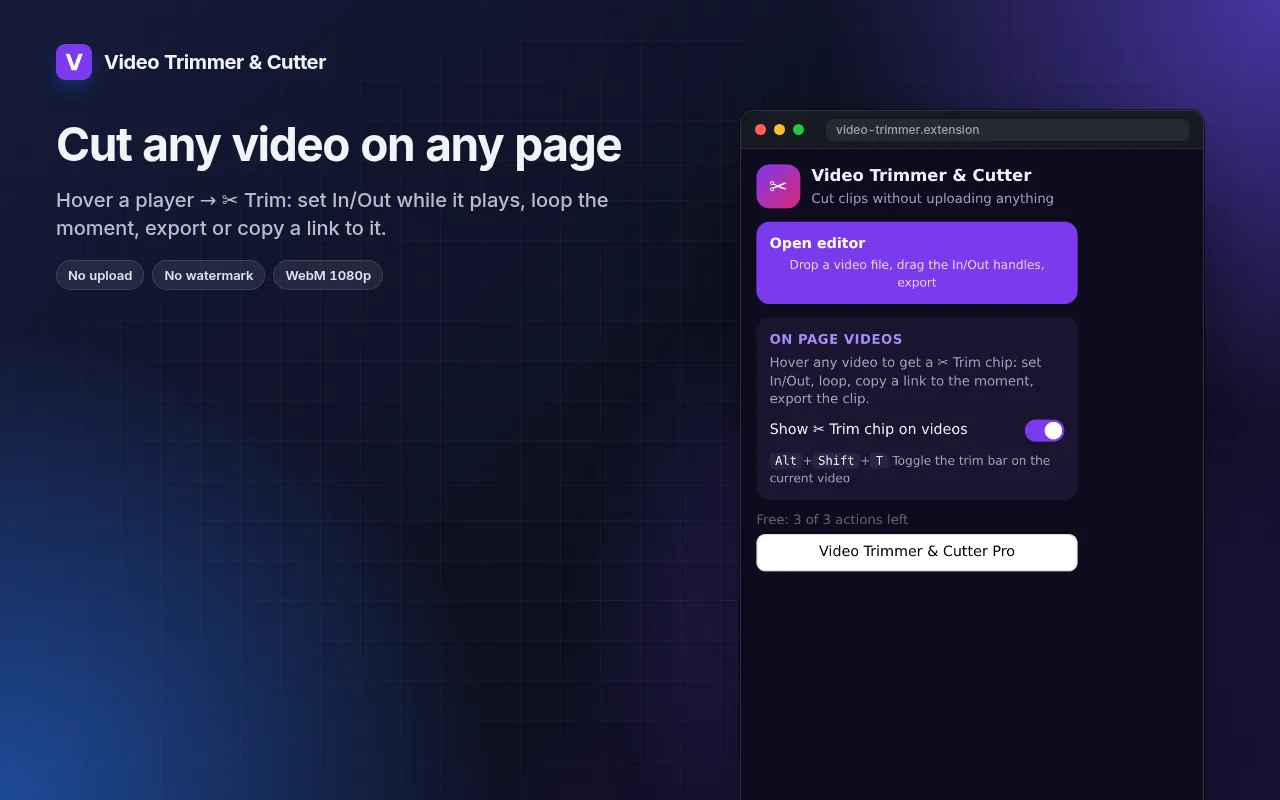
- Works with local files and with any video playing on a page (hover → ✂ Trim).
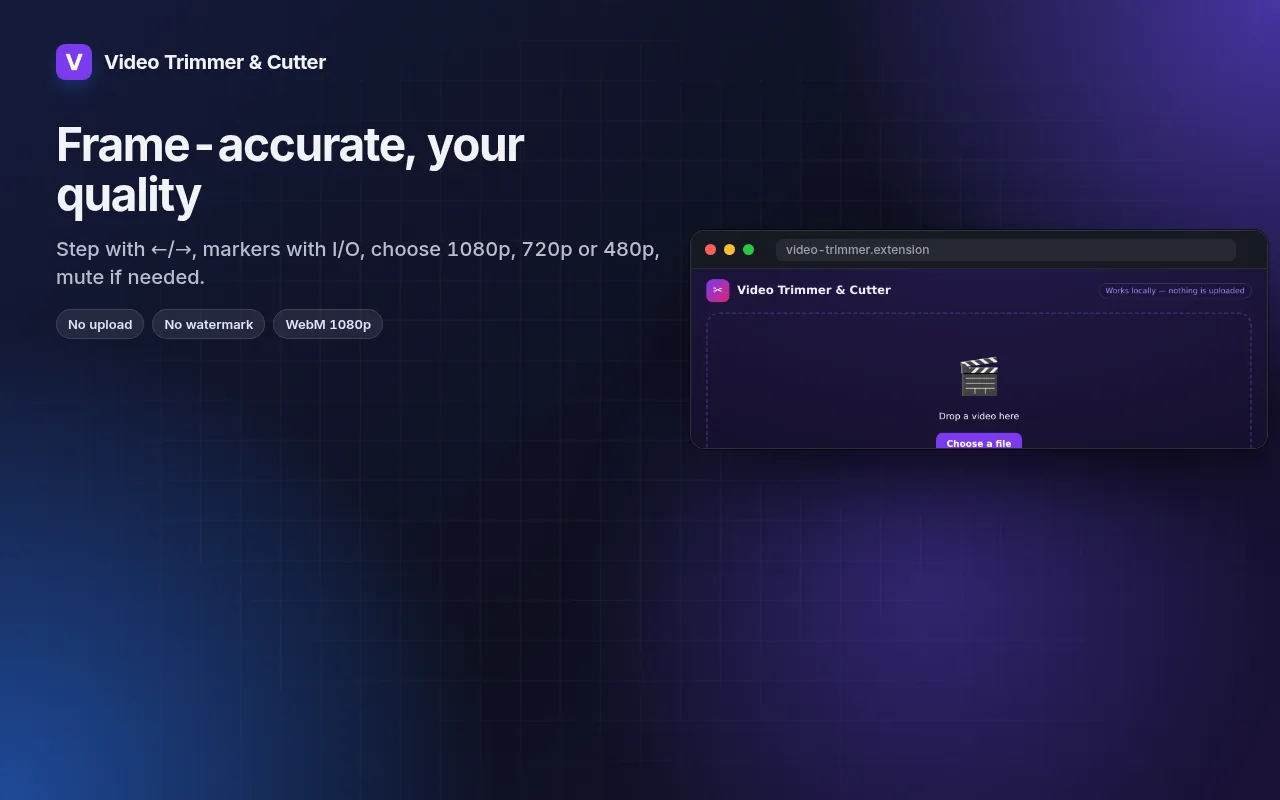
- Frame-by-frame stepping, I/O markers and loop for precise cuts.
- Export at 1080p, 720p or 480p, with or without sound.
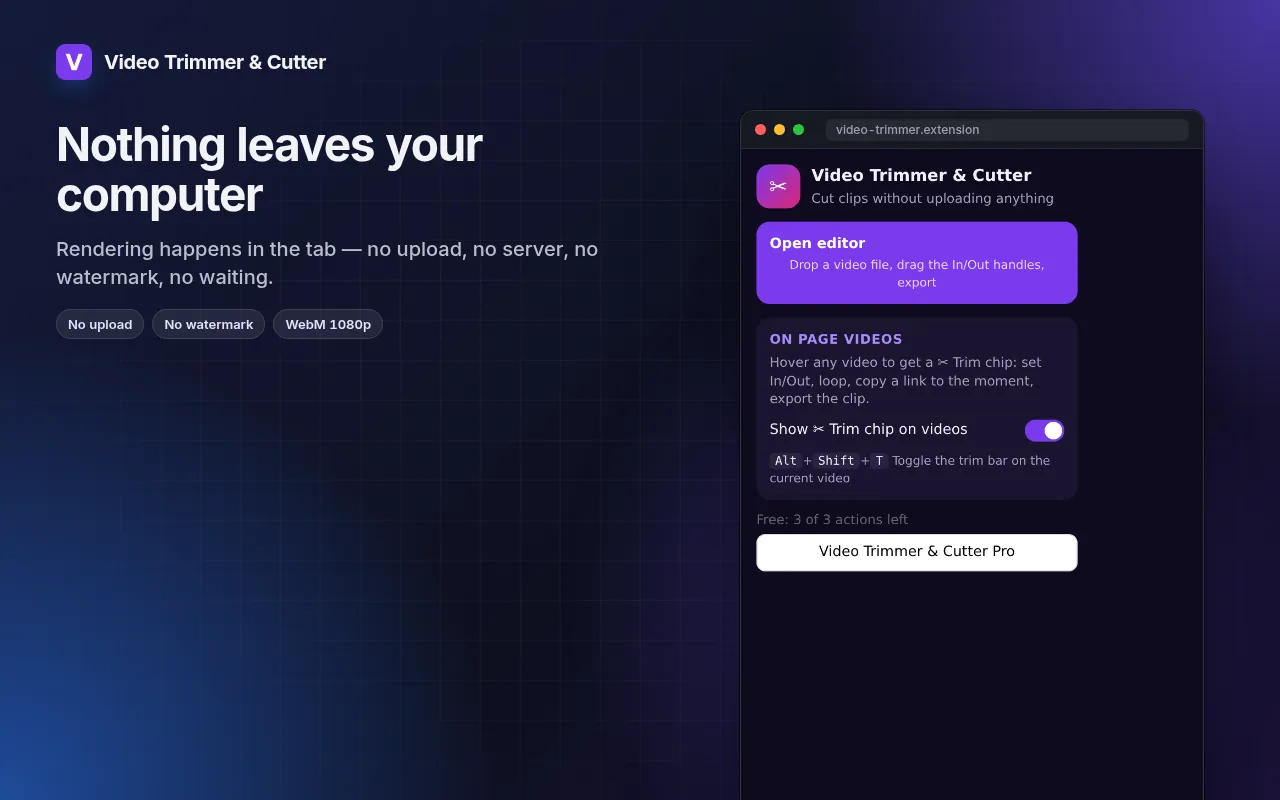
- Rendering happens on your machine — the file never leaves it.
동영상 자르기 사용 방법
- Click the icon → Open editor, or hover a video on a page and press ✂ Trim.
- Drag the In and Out handles; loop to check the cut.
- Pick the resolution and export.
이럴 때 유용합니다
- A 20-second highlight from a long screen recording for a bug report.
- The one good take from a phone video, without installing an editor.
- A clip from a lecture or webinar to share with the team.
무료 및 Pro
모든 확장 프로그램은 기본 기능을 무료로 제공합니다. 체험 기간 제한이나 카드 등록이 없습니다.
월 $5.49연 $35.79$49.99 1회 결제, 평생 소장
언제든 취소 가능합니다. 가격은 USD 기준이며, 결제 시 현지 통화가 적용됩니다.
자주 묻는 질문
Why WebM and not MP4?
WebM is what browsers can encode natively without uploading. It plays in Chrome, Edge, Firefox, Telegram, Slack and most editors; convert later if you need MP4.
Does it re-encode the whole file?
Only the selected part is rendered, so a 30-second clip takes about 30 seconds.
동영상 자르기은(는) 무료인가요?
네, 무료 버전으로 모든 기능을 설치당 파일 3개까지 사용할 수 있습니다. 더 필요하다면 Pro로 제한을 해제하세요. 하나의 Pro로 모든 확장 프로그램을 이용할 수 있습니다.
Pro란 무엇인가요?
전체 컬렉션의 모든 확장 프로그램에서 무료 제한을 해제하는 단일 선택형 구독(월 $5.49, 연 $35.79 또는 1회 $49.99)입니다. 제한에 도달했을 때만 표시됩니다.
내 데이터를 수집하거나 전송하나요?
브라우저에서 연 페이지 내에서 작동합니다. 계정이나 분석 도구가 없습니다. 위의 권한이 전체 목록입니다.
Edge, Brave, Opera에서도 작동하나요?
네, Chromium 기반 브라우저라면 Chrome 웹 스토어에서 확장 프로그램을 설치할 수 있습니다.
기술적 세부 정보 및 권한
이 확장 프로그램은 기능 작동에 필요한 권한만 요청합니다:
| 권한 | 이유 |
|---|---|
storage | 설정을 로컬에 저장합니다. |
downloads | 내보낸 파일을 저장합니다. |
identity | |
Site access | 기능을 수행하기 위해 페이지 접근 권한이 필요합니다(표 참조). 페이지 콘텐츠를 외부로 전송하지 않습니다. |