 動画・音声無料のChrome拡張機能
動画トリマー・カッター
Cut the part you need out of any video — in the browser, no upload, no watermark.
Drag In/Out handles on a thumbnail strip, loop the selection, export WebM at 1080p/720p/480p.
- 無料で使える
- アカウント不要
- ローカルで動作
- 52+ 言語
Chrome、Edge、Brave、Operaで動作します
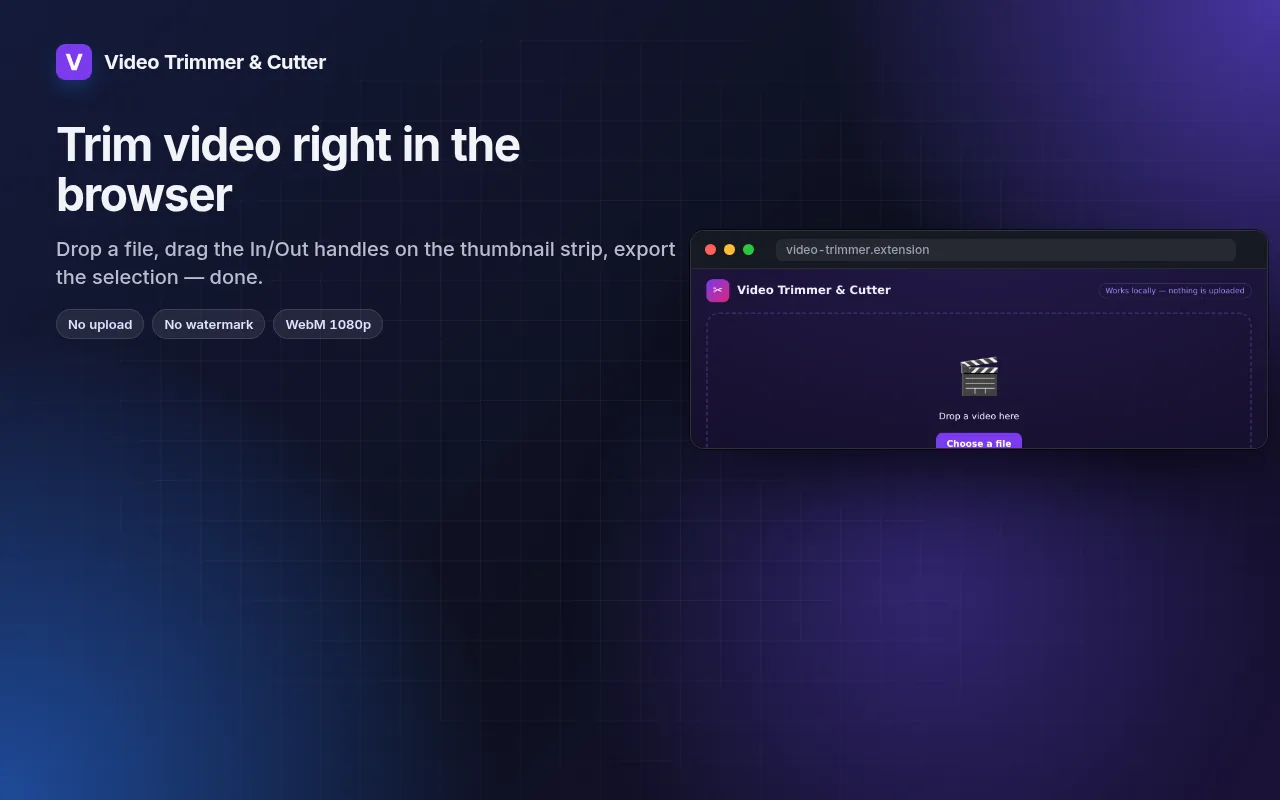
スクリーンショット 5
機能一覧
Drag In/Out handles on a thumbnail strip, loop the selection, export WebM at 1080p/720p/480p.
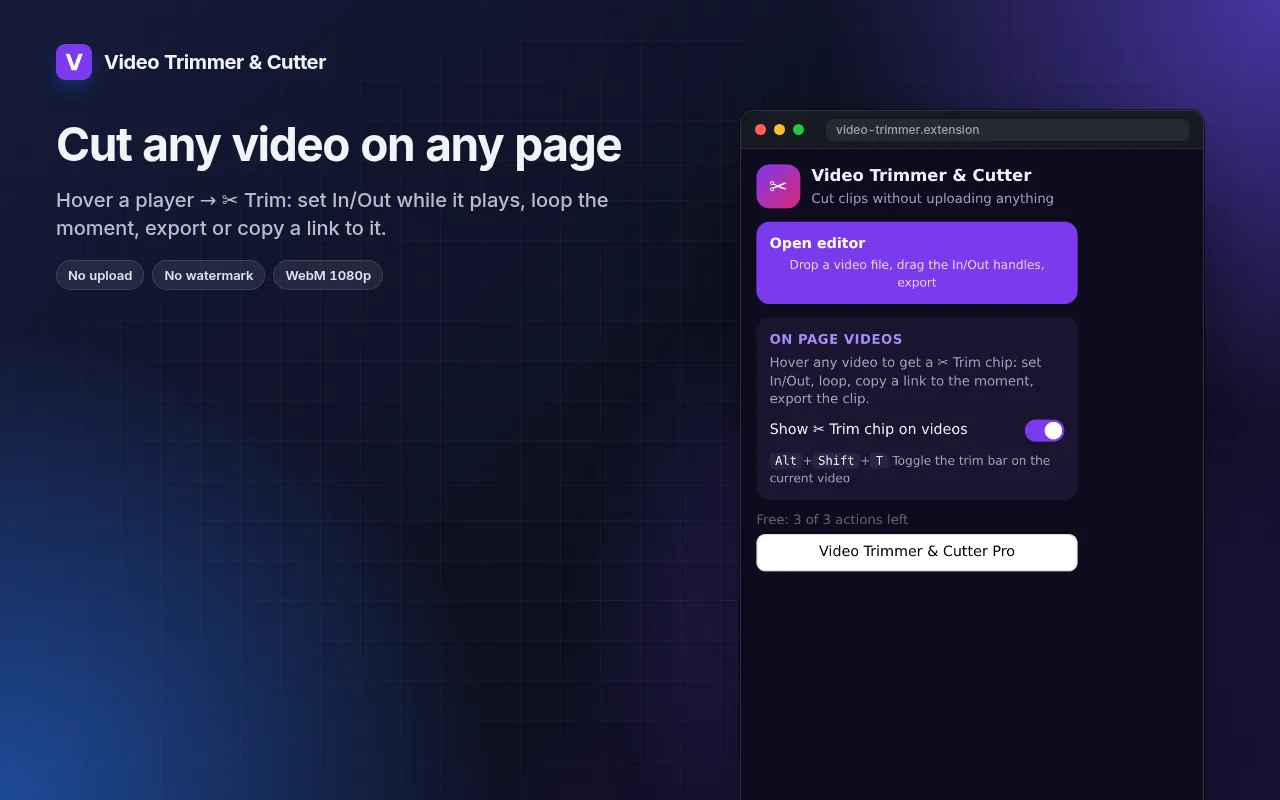
- Works with local files and with any video playing on a page (hover → ✂ Trim).
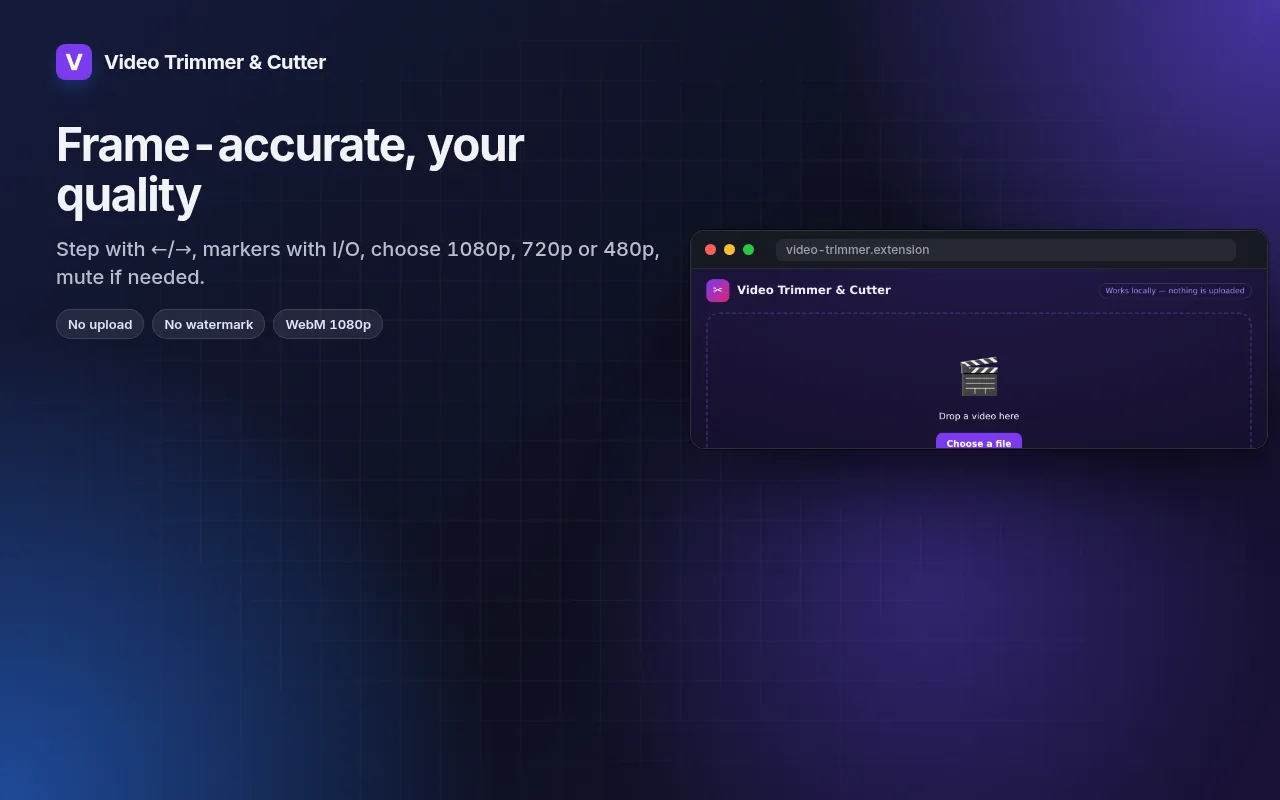
- Frame-by-frame stepping, I/O markers and loop for precise cuts.
- Export at 1080p, 720p or 480p, with or without sound.
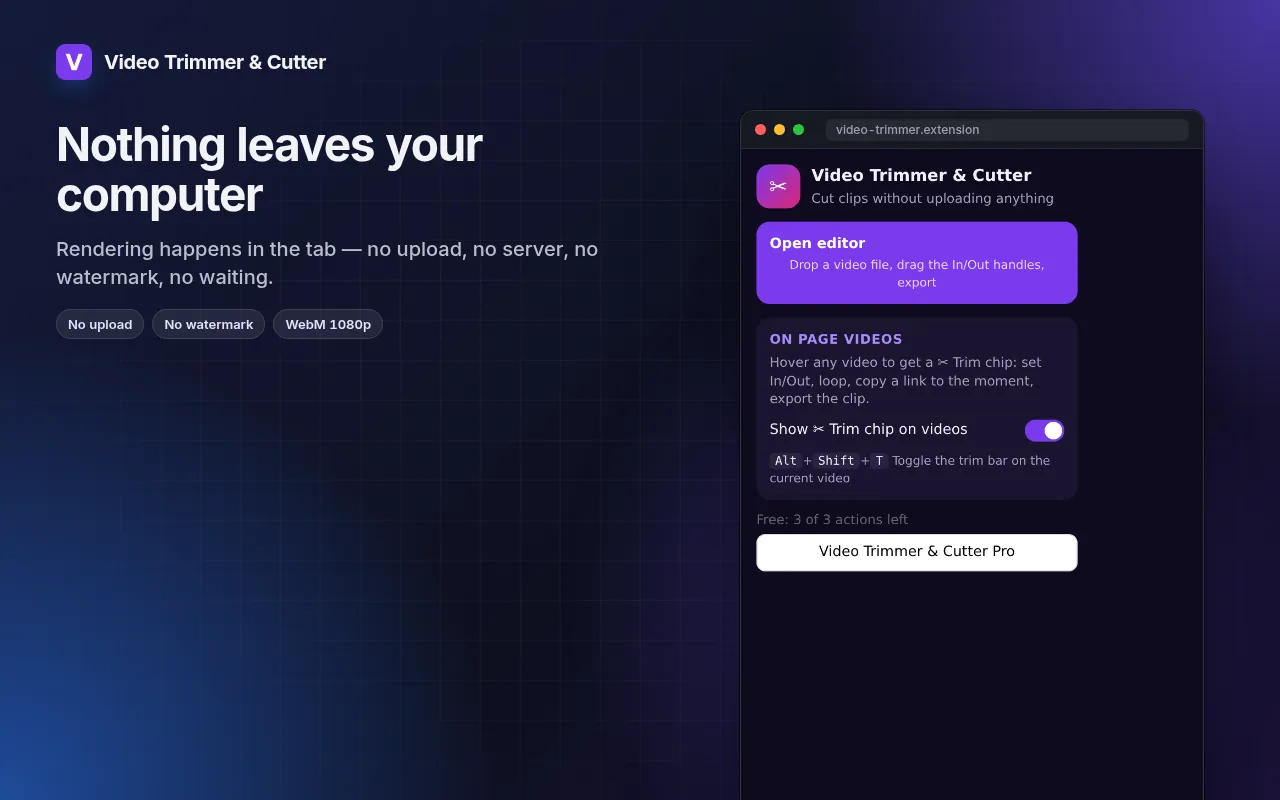
- Rendering happens on your machine — the file never leaves it.
動画トリマー・カッター の使い方
- Click the icon → Open editor, or hover a video on a page and press ✂ Trim.
- Drag the In and Out handles; loop to check the cut.
- Pick the resolution and export.
こんな時に便利
- A 20-second highlight from a long screen recording for a bug report.
- The one good take from a phone video, without installing an editor.
- A clip from a lecture or webinar to share with the team.
無料版とPro版
すべての拡張機能に実用的な無料プランがあります。試用期間の制限やクレジットカード登録はありません。
月額 $5.49年額 $35.79買い切り $49.99
いつでもキャンセル可能。価格は米ドルで表示されていますが、決済時には現地通貨が適用されます。
よくある質問
Why WebM and not MP4?
WebM is what browsers can encode natively without uploading. It plays in Chrome, Edge, Firefox, Telegram, Slack and most editors; convert later if you need MP4.
Does it re-encode the whole file?
Only the selected part is rendered, so a 30-second clip takes about 30 seconds.
動画トリマー・カッター は無料ですか?
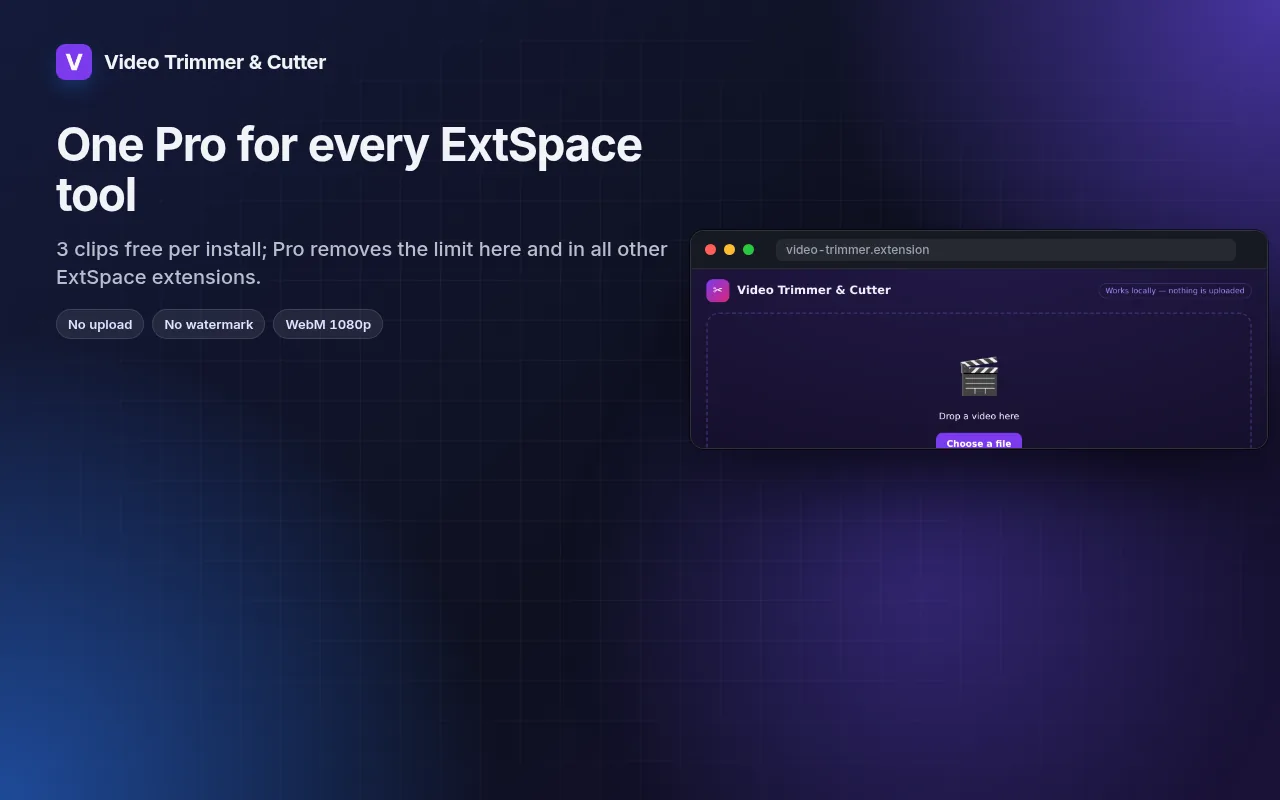
はい。無料プランではすべての機能が使え、インストールごとに 3 ファイルまで処理できます。さらに必要な場合は、Pro版で制限を解除できます。1つのPro版ですべての拡張機能が使い放題になります。
Pro版とは何ですか?
コレクション内のすべての拡張機能の制限を解除する、オプションのサブスクリプション(月額$5.49、年額$35.79、または買い切り$49.99)です。制限に達したときにのみ案内が表示されます。
データは収集または送信されますか?
ブラウザで開いたページ内で動作します。アカウント登録やアクセス解析はありません。上記の権限がすべてです。
Edge、Brave、Operaでも使えますか?
はい。Chromiumベースのブラウザであれば、Chromeウェブストアから拡張機能をインストールできます。
技術的な詳細と権限
この拡張機能は、機能に必要な権限のみを要求します:
| 権限 | 理由 |
|---|---|
storage | 設定をローカルに保存します。 |
downloads | エクスポートしたファイルを保存します。 |
identity | |
Site access | 拡張機能が機能するためにはページへのアクセスが必要です(表を参照)。ページの内容を外部に送信することはありません。 |