 影片與音訊免費 Chrome 擴充功能
影片剪裁與剪切
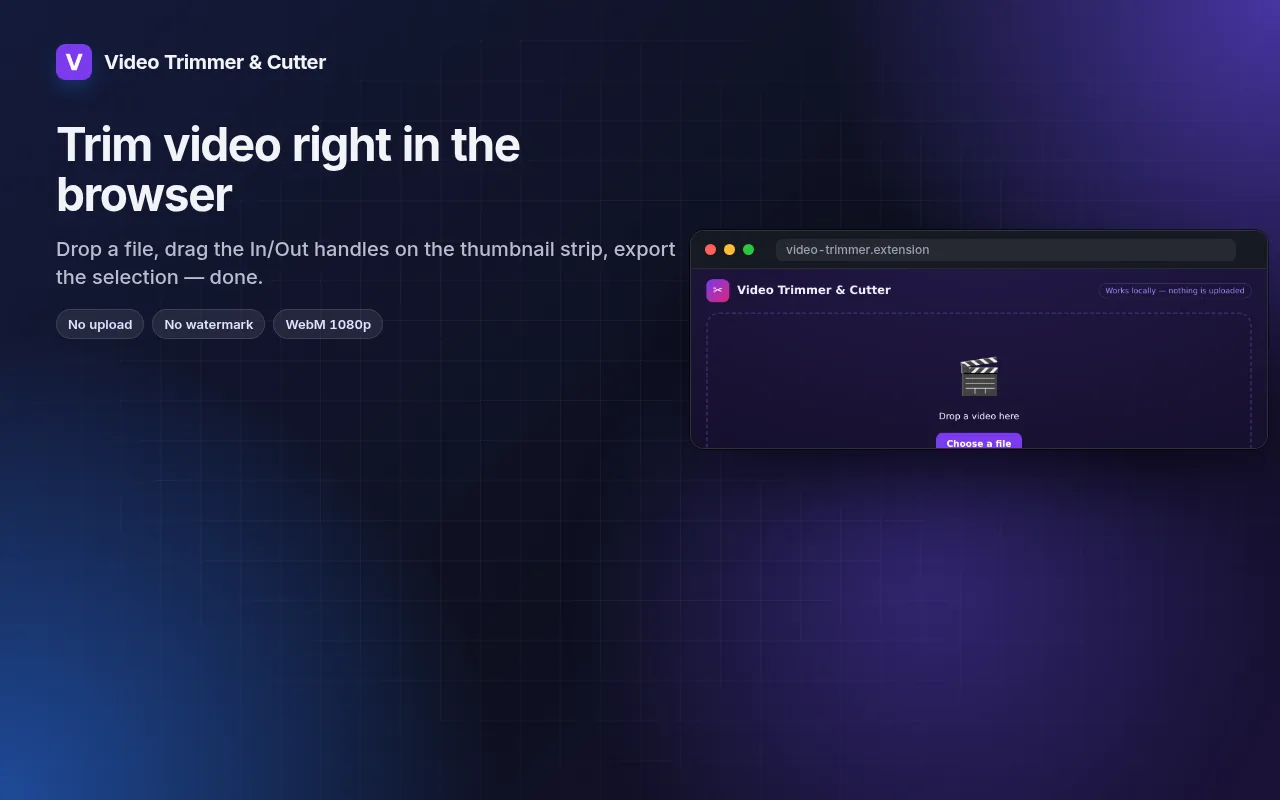
Cut the part you need out of any video — in the browser, no upload, no watermark.
Drag In/Out handles on a thumbnail strip, loop the selection, export WebM at 1080p/720p/480p.
- 免費使用
- 免帳號
- 本機運作
- 52+ 語言
支援 Chrome、Edge、Brave 與 Opera
螢幕截圖 5
您將獲得
Drag In/Out handles on a thumbnail strip, loop the selection, export WebM at 1080p/720p/480p.
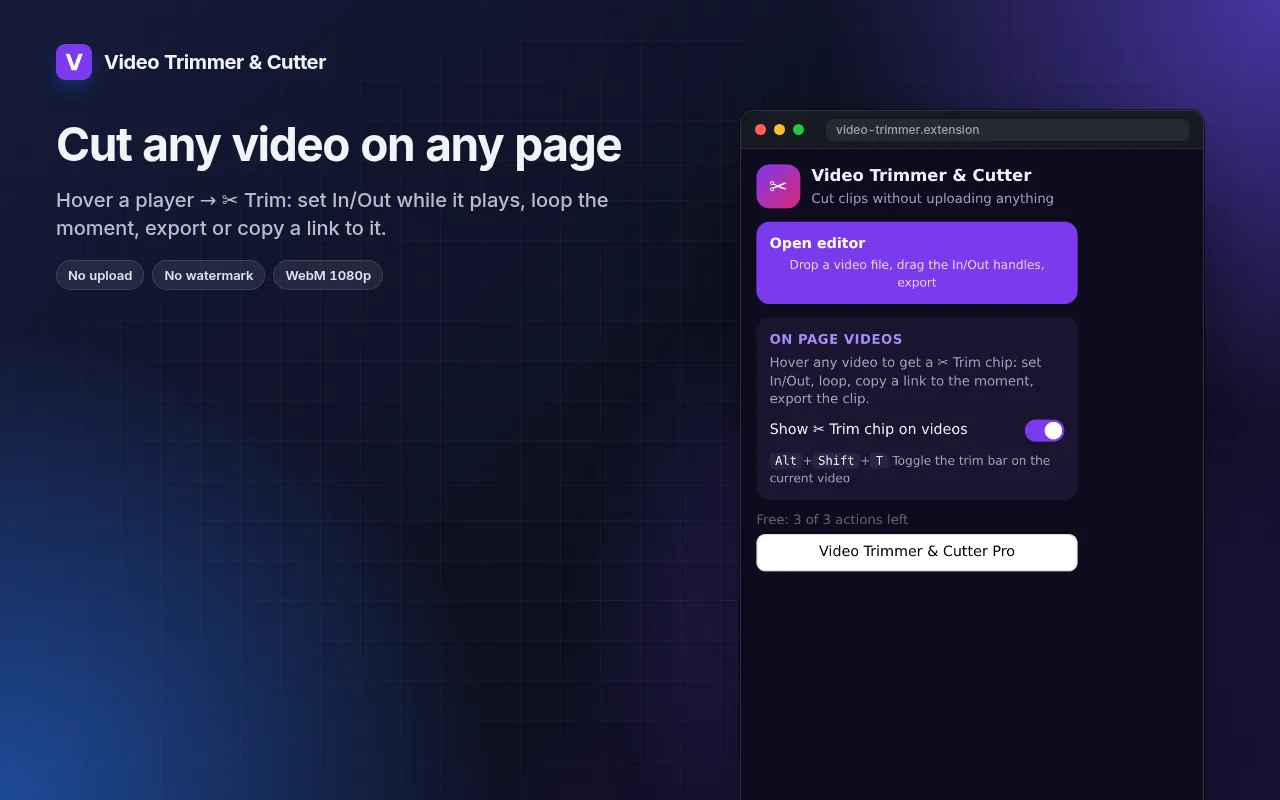
- Works with local files and with any video playing on a page (hover → ✂ Trim).
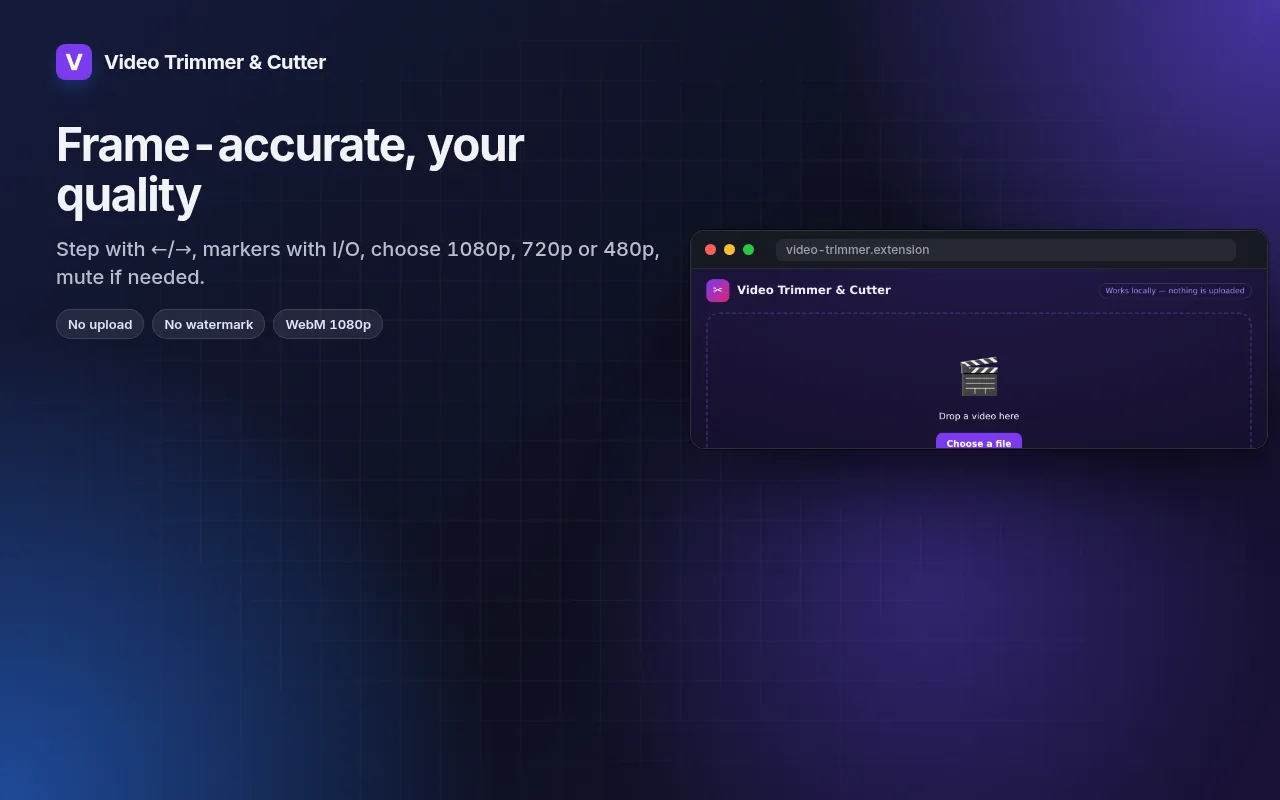
- Frame-by-frame stepping, I/O markers and loop for precise cuts.
- Export at 1080p, 720p or 480p, with or without sound.
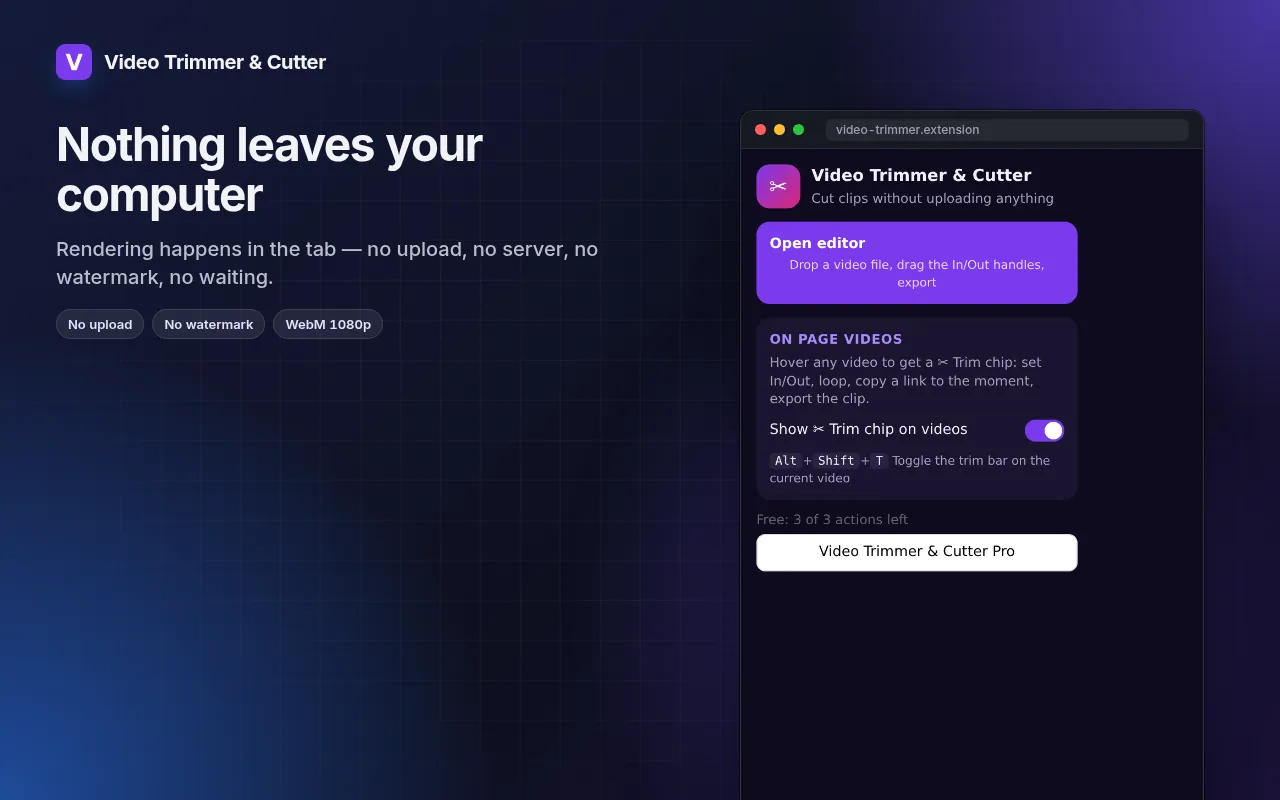
- Rendering happens on your machine — the file never leaves it.
如何使用 影片剪裁與剪切
- Click the icon → Open editor, or hover a video on a page and press ✂ Trim.
- Drag the In and Out handles; loop to check the cut.
- Pick the resolution and export.
適用情境
- A 20-second highlight from a long screen recording for a bug report.
- The one good take from a phone video, without installing an editor.
- A clip from a lecture or webinar to share with the team.
免費版與 Pro 版
每款擴充功能都有能滿足需求的免費方案。沒有試用期限制,免綁信用卡。
每月 $5.49每年 $35.79一次付費 $49.99,終身使用
隨時可取消。價格以 USD 顯示;結帳時將轉換為當地貨幣。
常見問題
Why WebM and not MP4?
WebM is what browsers can encode natively without uploading. It plays in Chrome, Edge, Firefox, Telegram, Slack and most editors; convert later if you need MP4.
Does it re-encode the whole file?
Only the selected part is rendered, so a 30-second clip takes about 30 seconds.
影片剪裁與剪切 是免費的嗎?
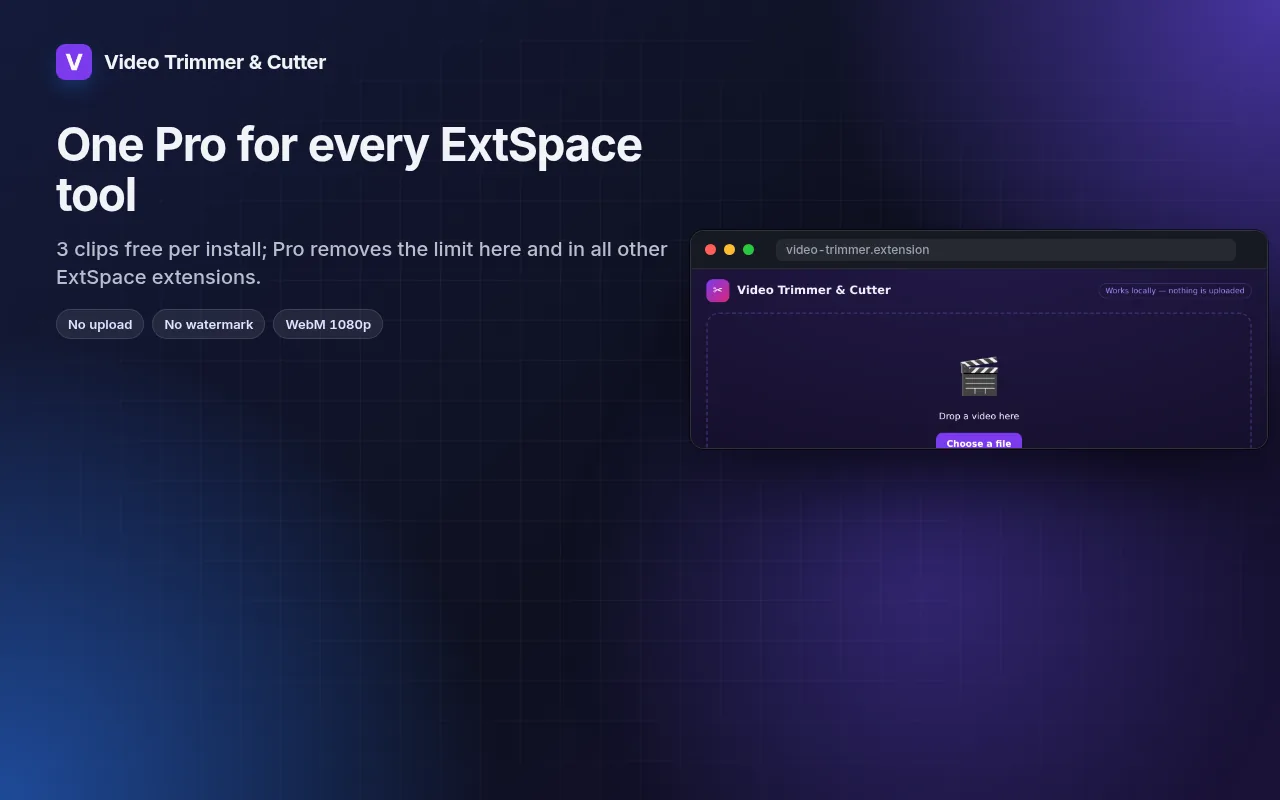
是的 — 免費方案包含所有功能,每次安裝可處理 3 個檔案。如果您需要更多,Pro 方案可解除限制;一個 Pro 方案適用於我們所有的擴充功能。
什麼是 Pro?
單一的選購訂閱方案(每月 $5.49、每年 $35.79 或一次性付費 $49.99),可解除全套系列中所有擴充功能的免費限制。只有在您達到限制時才會看到升級提示。
它會收集或傳送我的資料嗎?
它在您開啟的網頁和瀏覽器內運作;無需帳號,也沒有資料分析。上述權限即為完整清單。
支援 Edge、Brave 或 Opera 嗎?
支援,任何 Chromium 核心的瀏覽器都能從 Chrome 線上應用程式商店安裝擴充功能。
技術細節與權限
此擴充功能只會要求必要權限:
| 權限 | 原因 |
|---|---|
storage | 在本機記住您的設定。 |
downloads | 儲存您匯出的檔案。 |
identity | |
Site access | 擴充功能需要存取網頁才能運作(請見表格);它不會將網頁內容傳送到任何地方。 |