 Tabs at productivityLibreng Chrome extension
World Clock — Mga Time Zone
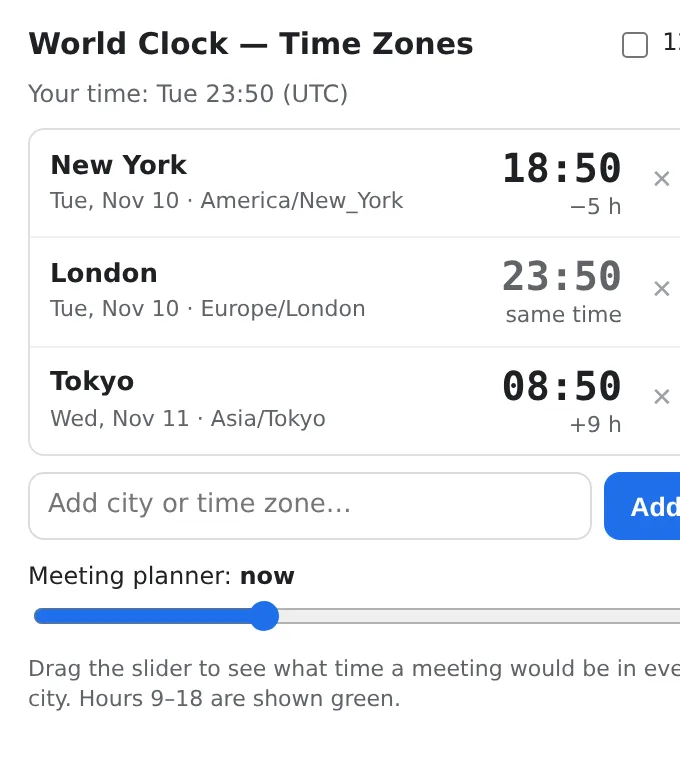
What time is it for your team in Berlin, Bangalore and Boston? One click, all your cities, working hours in green.
Add cities by name or time zone, 12/24-hour, day/night, and a meeting planner slider to find an hour that works for everyone.
I-add sa Chrome — libre itoOfficial site →
- Libreng subukan
- Walang account
- Gumagana locally
- 52+ mga wika
Gumagana sa Chrome, Edge, Brave at Opera
Ano'ng makukuha mo
Add cities by name or time zone, 12/24-hour, day/night, and a meeting planner slider to find an hour that works for everyone.
- Current time, date and offset from you for every city you add.
- Working hours (9–18) in green, night in grey — read it at a glance.
- Drag the meeting planner: “+5 h from now” shown in every zone at once.
- Computed locally with the browser's time-zone data; no network.
Paano gamitin ang World Clock — Mga Time Zone
- Click the icon and add your cities.
- Check times and offsets at a glance.
- Drag the planner slider to find a slot that suits everyone.
Kung kailan ito magagamit
- Remote teams and clients across continents.
- Scheduling calls with family abroad.
- Catching a launch, match or deadline announced in another zone.
Free at Pro
Bawat extension may free tier na gumagawa ng trabaho. Walang trial clock, walang card.
$5.49/buwan$35.79/taon$49.99 minsan, panghabambuhay
I-cancel kahit kailan. Naka-USD ang presyo; local currencies sa checkout.
Mga Tanong
Does it handle daylight saving?
Yes — it uses the browser's IANA time-zone database, so DST changes are automatic.
Can I add a city it doesn't know?
Add it by its time zone (e.g. Europe/Lisbon) and give it any label you like.
Libre ba ang World Clock — Mga Time Zone?
Oo — sakop ng free tier ang 3 files kada installation sa bawat feature. Kung kailangan mo ng higit pa, tatanggalin ng Pro ang limit; gumagana ang isang Pro sa lahat ng extensions namin.
Ano ang Pro?
Isang optional na subscription ($5.49/buwan, $35.79/taon o $49.99 minsan) na nagtatanggal ng free limits sa bawat extension ng collection. Makikita mo lang ito kapag umabot ka sa limit.
Kinokolekta ba o ipinapadala ang data ko?
Gumagana ito sa loob ng pages na binubuksan mo, sa browser mo; walang account at walang analytics. Ang permissions sa itaas ang buong listahan.
Gumagana ba ito sa Edge, Brave, Opera?
Oo, kahit anong Chromium browser ay pwedeng mag-install ng extensions mula sa Chrome Web Store.
Iba pa sa Tabs at productivity
 Available ang Pro
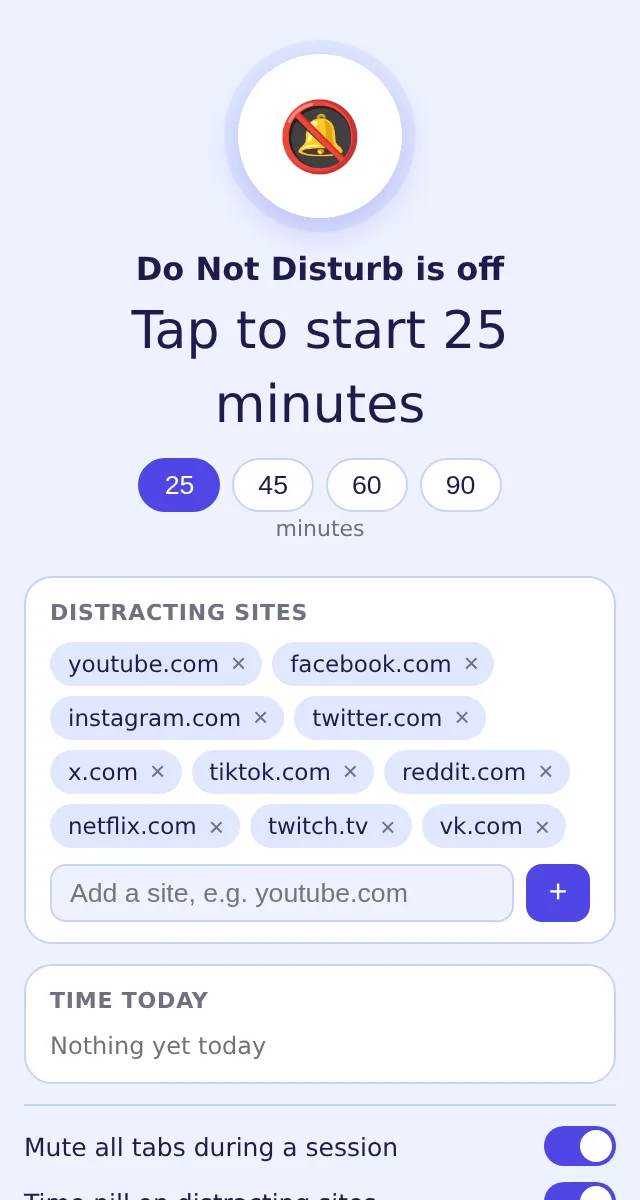
 Do Not Disturb — Focus Mode para sa ChromeIsang click ang nagmu-mute sa lahat ng tab at tumatakip sa mga nakakaabalang site ng «Do not disturb» screen nang 25–90 minuto.
 Available ang Pro
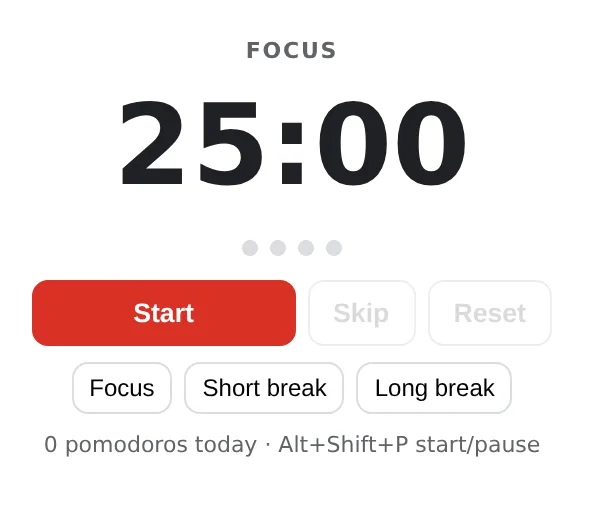
 Pomodoro Timer — Timer sa PagtutokPomodoro timer sa toolbar: 25/5 focus at break cycle, countdown sa icon, alert at tunog, daily stats. Gumagana offline.
 Available ang Pro
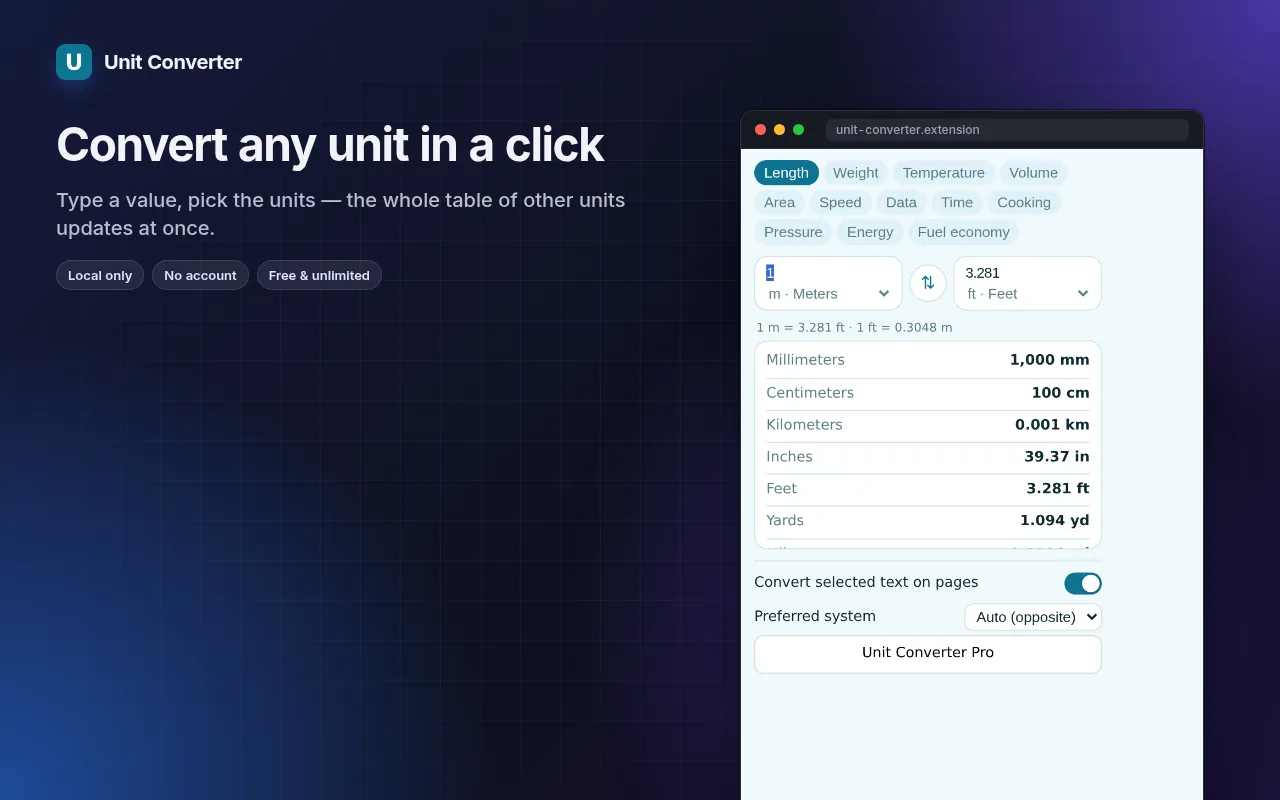
 Tagapagpalit ng Unit ng SukatMag-convert ng haba, timbang, temperatura, volume, lawak, bilis, data, oras, at panukat sa pagluluto. Pumili lang ng sukat sa page.
Technical details at permissions
Hinihingi lang ng extension kung ano ang kailangan ng feature:
| Permission | Bakit |
|---|---|
storage | Tandaan ang settings mo locally. |
identity | |
Site access | Kailangan ng extension ng access sa pages para gumana (tingnan ang table); hindi nito ipinapadala ang content ng page kahit saan. |